One household, one shared view

Your money.
Your plans.
In sync.

Bring everyday spending, monthly budgets, shared lists, and trip costs into one place for your household.

Made for iPhone. Shared with your household.

10 languages supported in the app.

Less scattered. More shared.

A rhythm for everyday life.

The idea behind Couple Budget

Make a little room for what matters.

Life is easier to plan when you can see what your money is for, remember the little things, and make space for the next adventure. Start with a question that sounds familiar.

01

Your money

Know what is already spoken for.

How much of your bank balance is really free to spend?

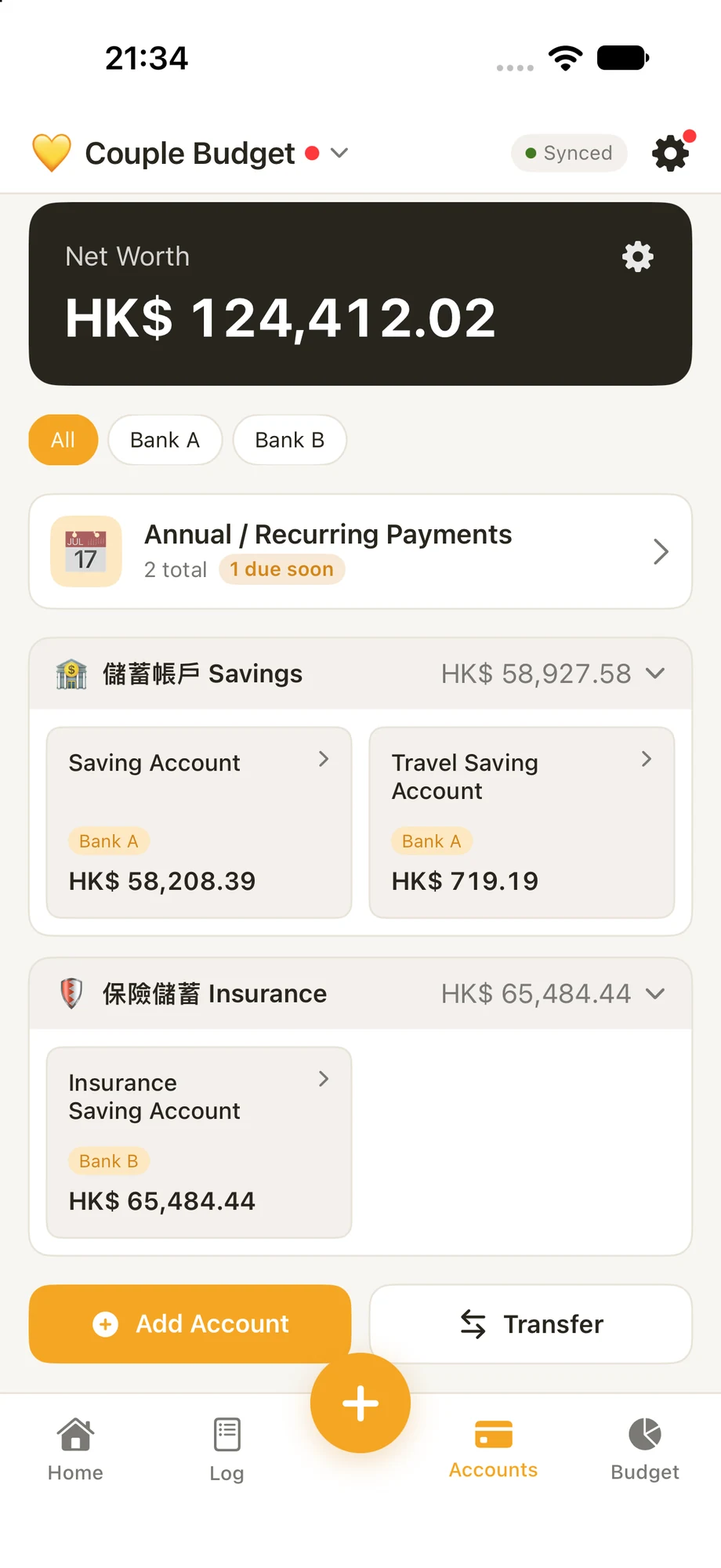
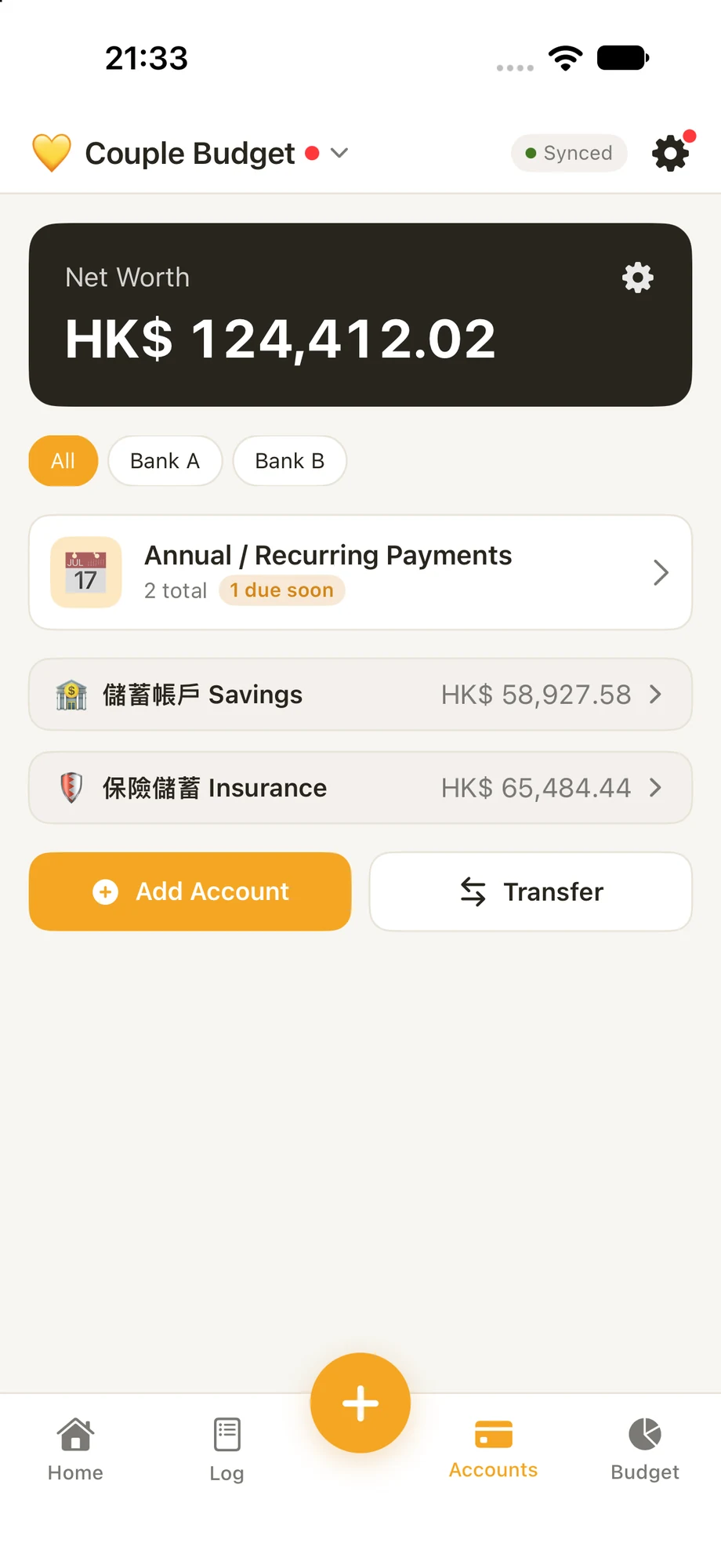
A balance alone doesn't tell the whole story. Create accounts for purposes like tax, insurance, education or travel, group them, and see how your money is earmarked. You can also associate accounts with banks to see where the money is held.

For example, out of HK$10,000:HK$6,000 tax + HK$2,000 insurance + HK$2,000 not reserved for these purposes

An illustration, not a bank connection: balances are entered in the app.

Explore accounts

Do annual bills catch you off guard?

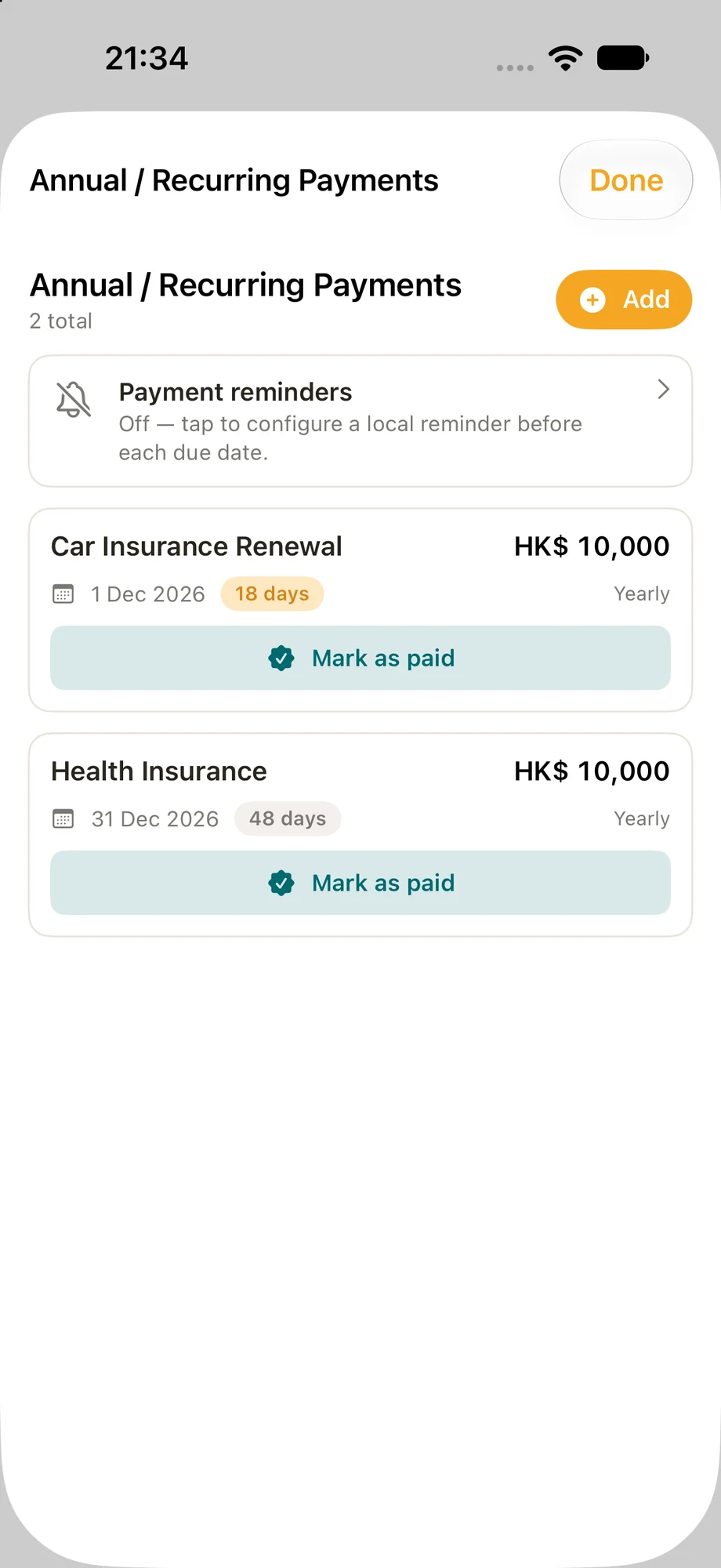
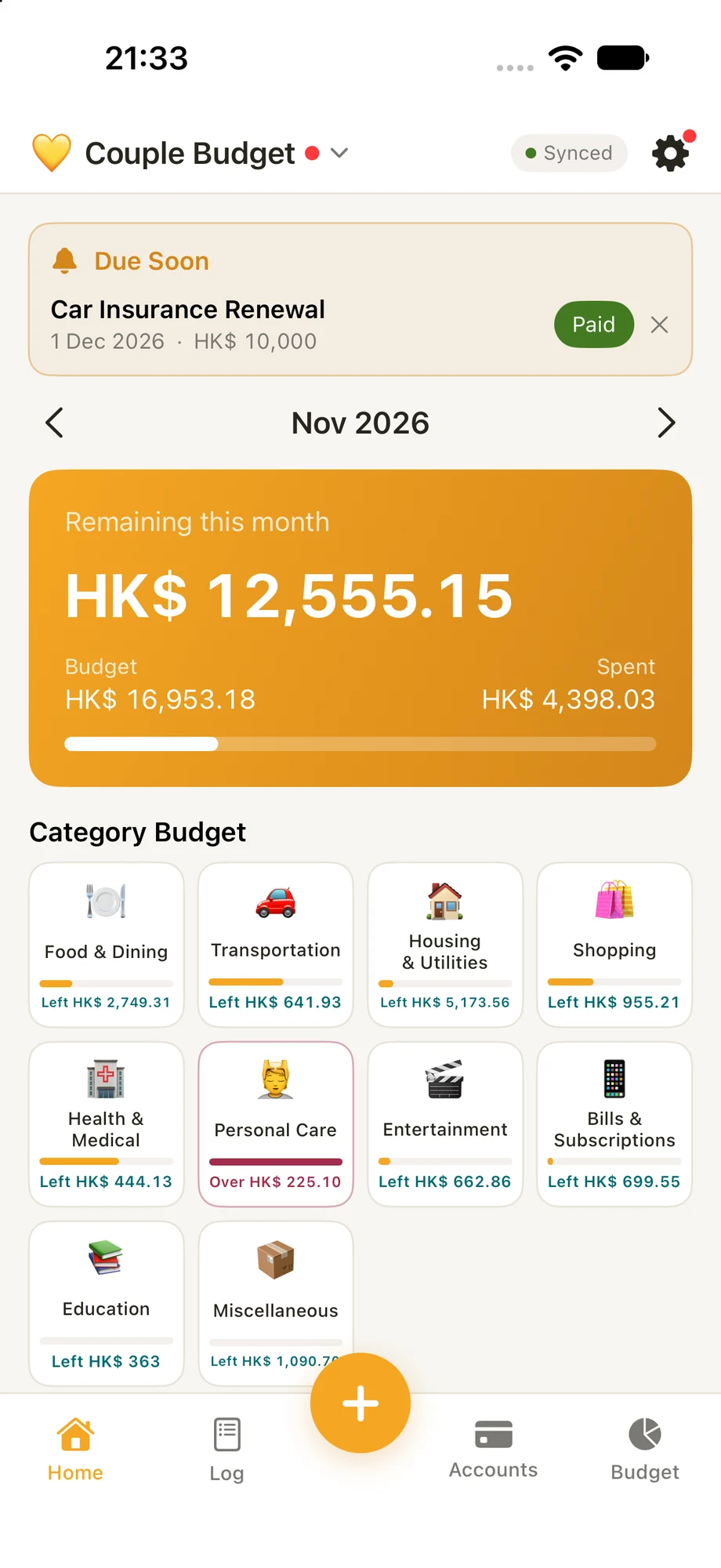
Build a reusable default monthly budget around fixed costs and the things you spend on regularly. Consider quarterly or yearly bills too: setting aside a little each month for insurance can make a large payment easier to prepare for. Keep upcoming payments in view with bill reminders.

Explore monthly budgets
02

Your everyday

Make the little things easier to share.

Standing in a shop, wondering what's left at home?

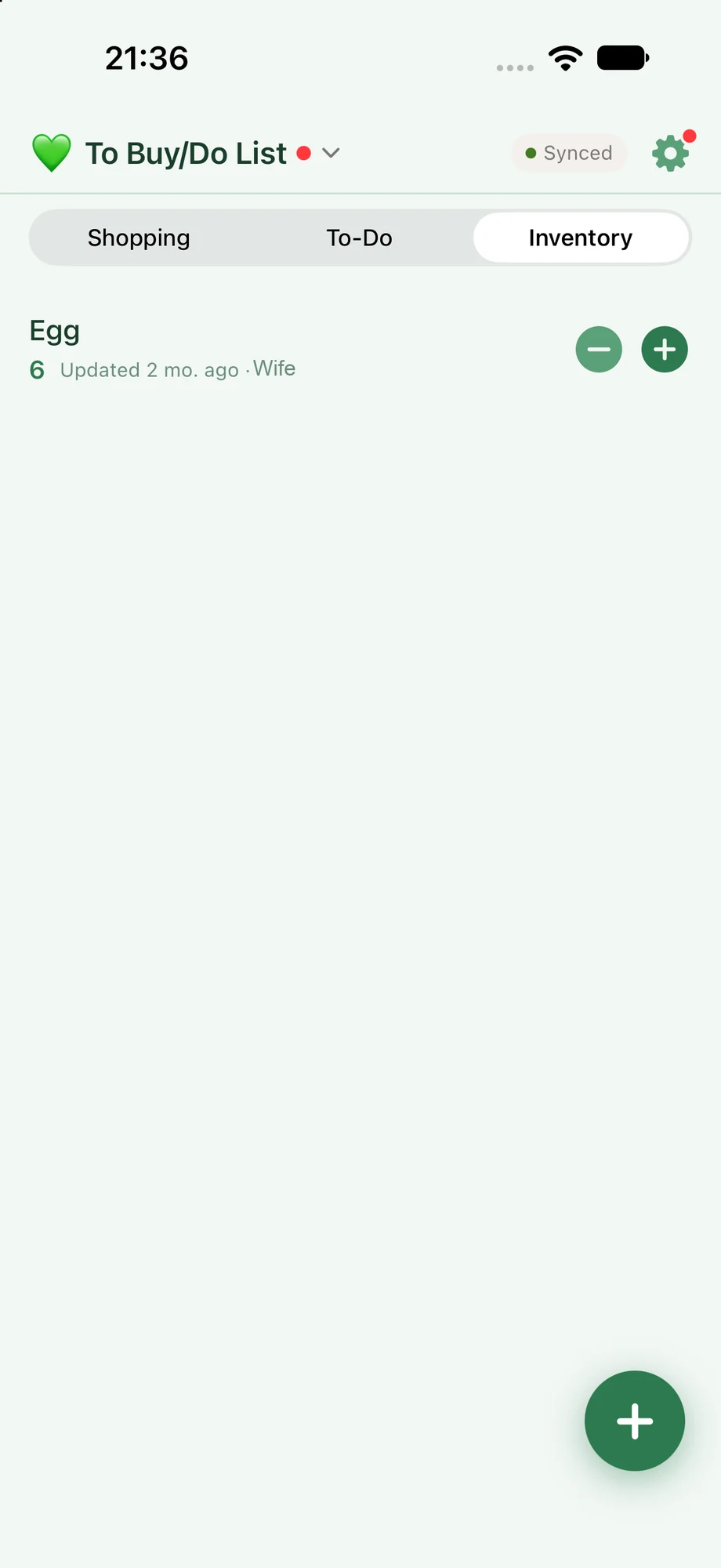
Keep a rough count of the groceries and household essentials you buy again and again in Inventory. Update quantities when you use them, then check before you shop. It doesn't have to be perfect to be useful.

Ever remember something you need, then forget it at the shop?

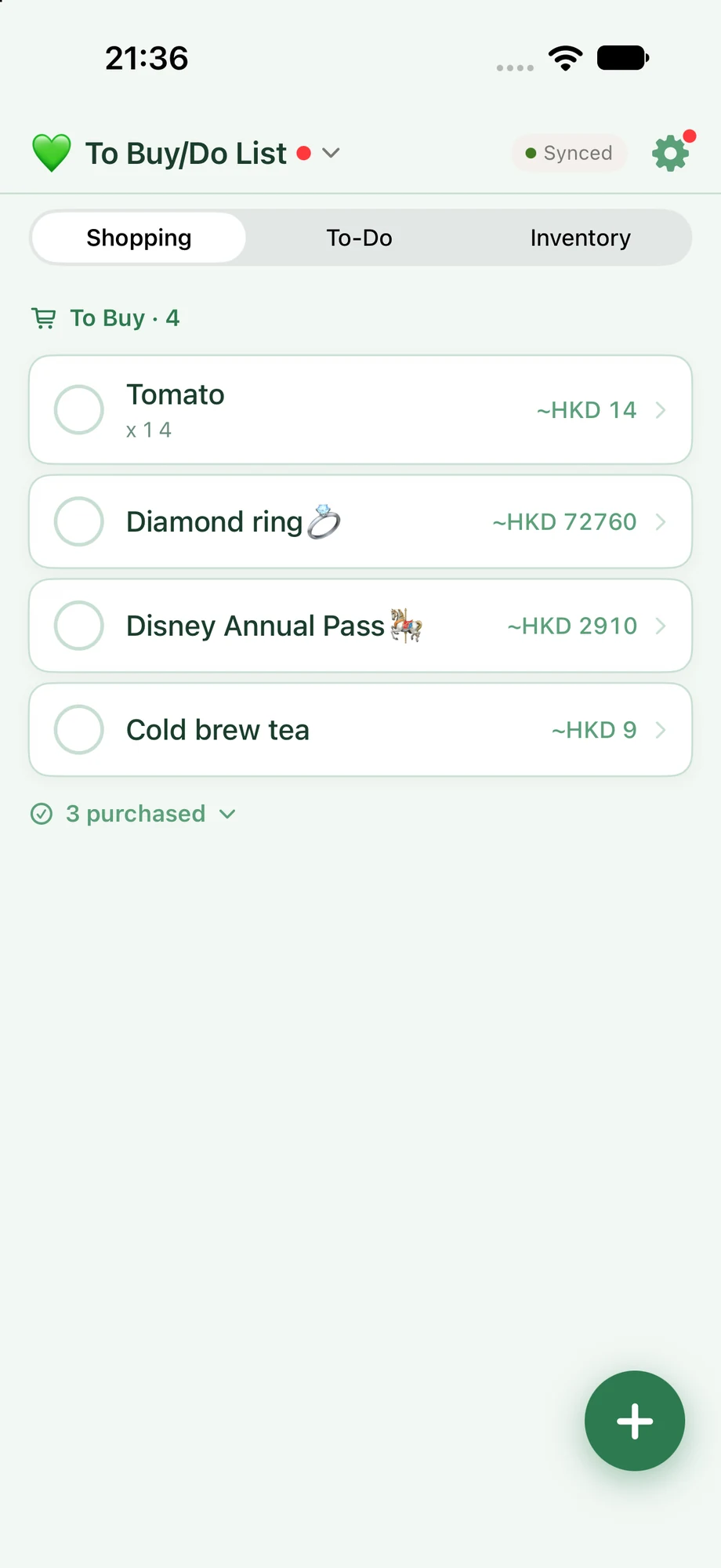
Add it to the shared To-Buy list when it comes to mind. When an inventory item falls to its low-stock threshold, the app can prompt you to add it to the list—you decide whether to add it.

What about the chores that only come around once in a while?

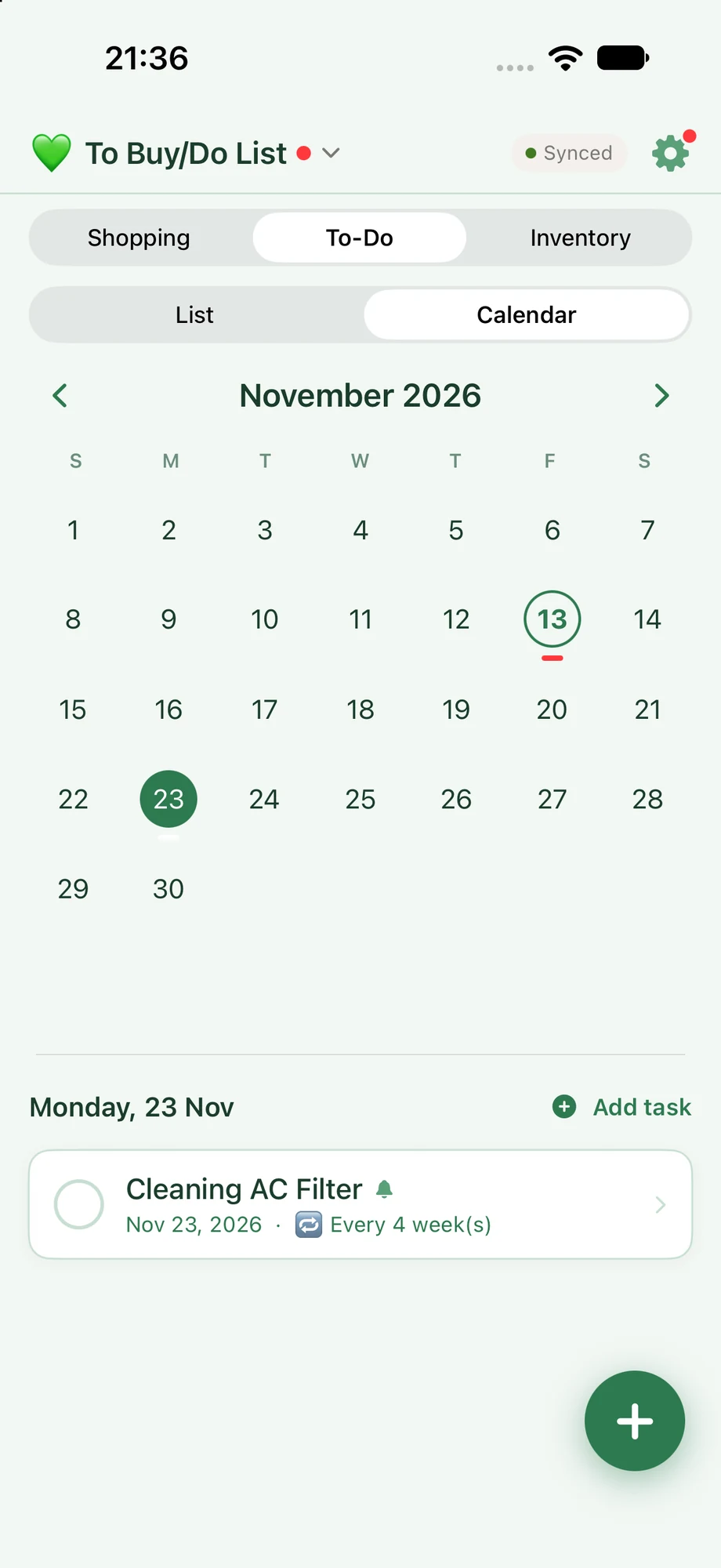
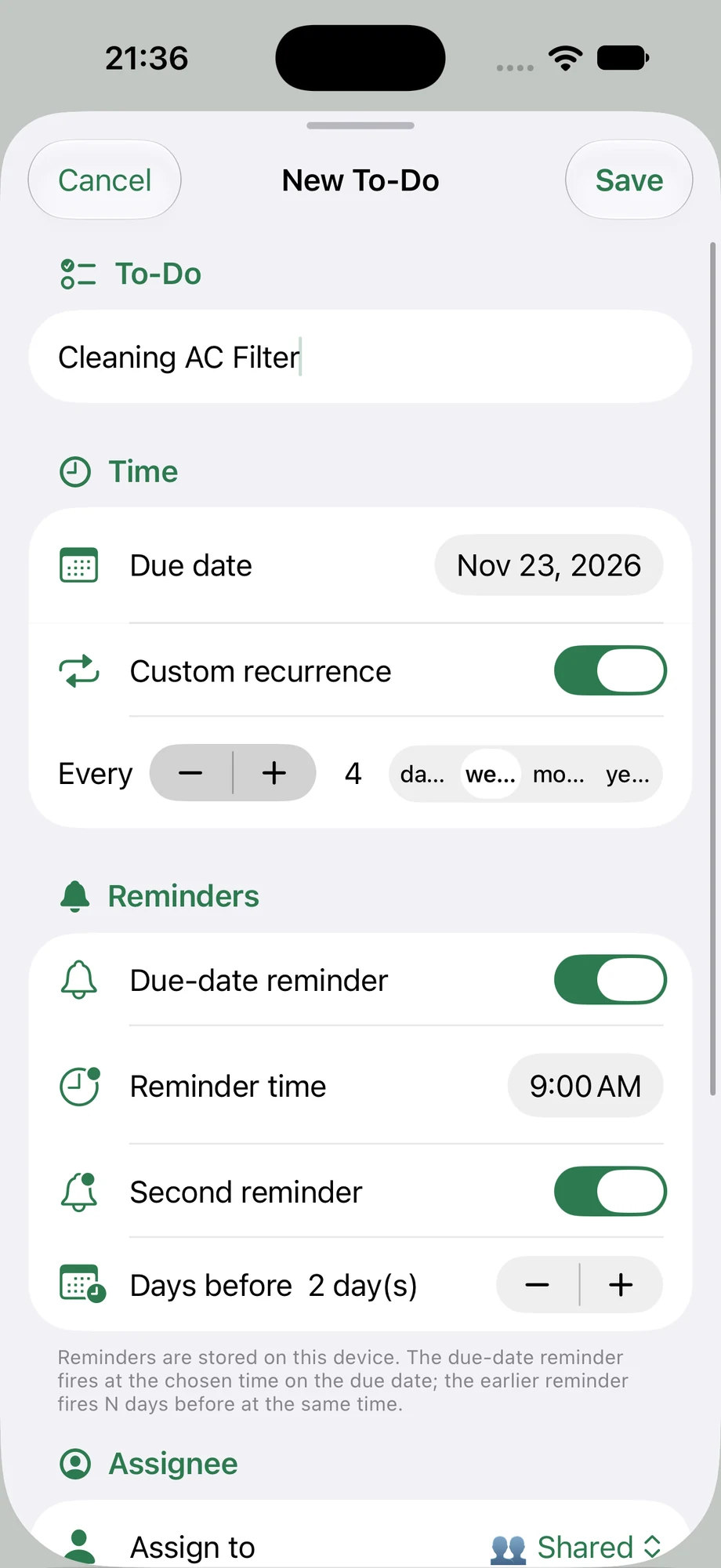
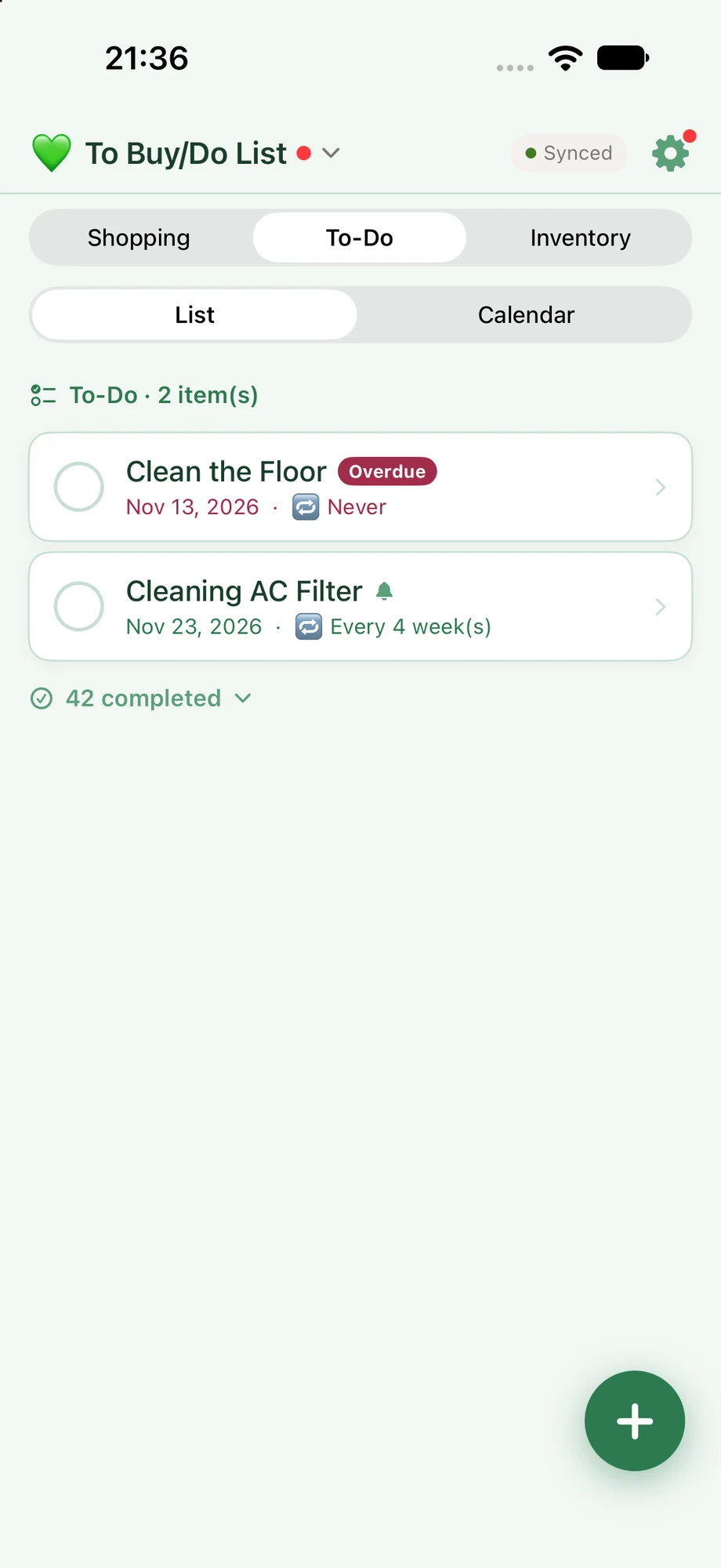
Use the shared To-Do list for things like cleaning the range hood or air conditioner. Set a recurrence or reminder, and mark the task done so your household can see what's been taken care of.

Explore shared lists
03

Your next adventure

Plan the trip, enjoy the journey.

Travelling together—but who's paid for what?

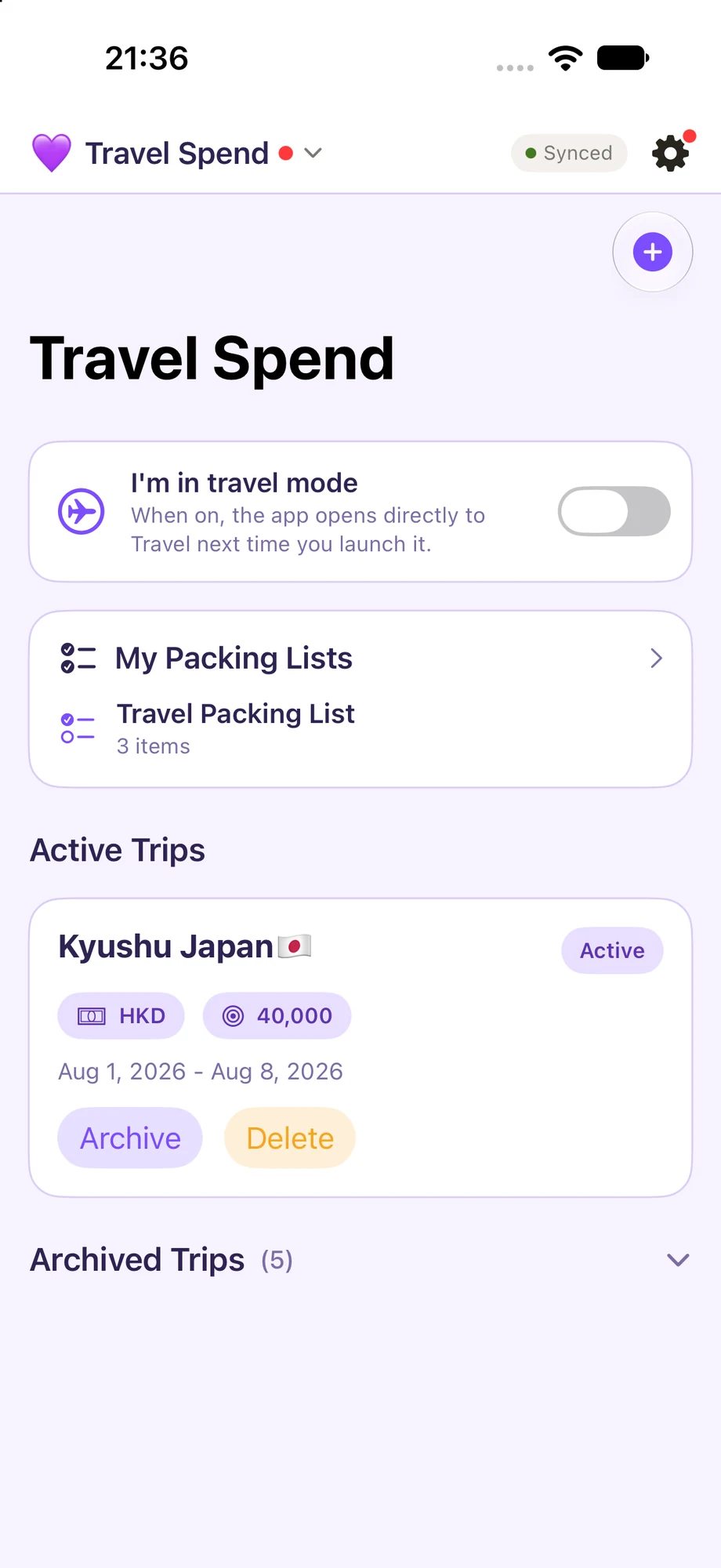
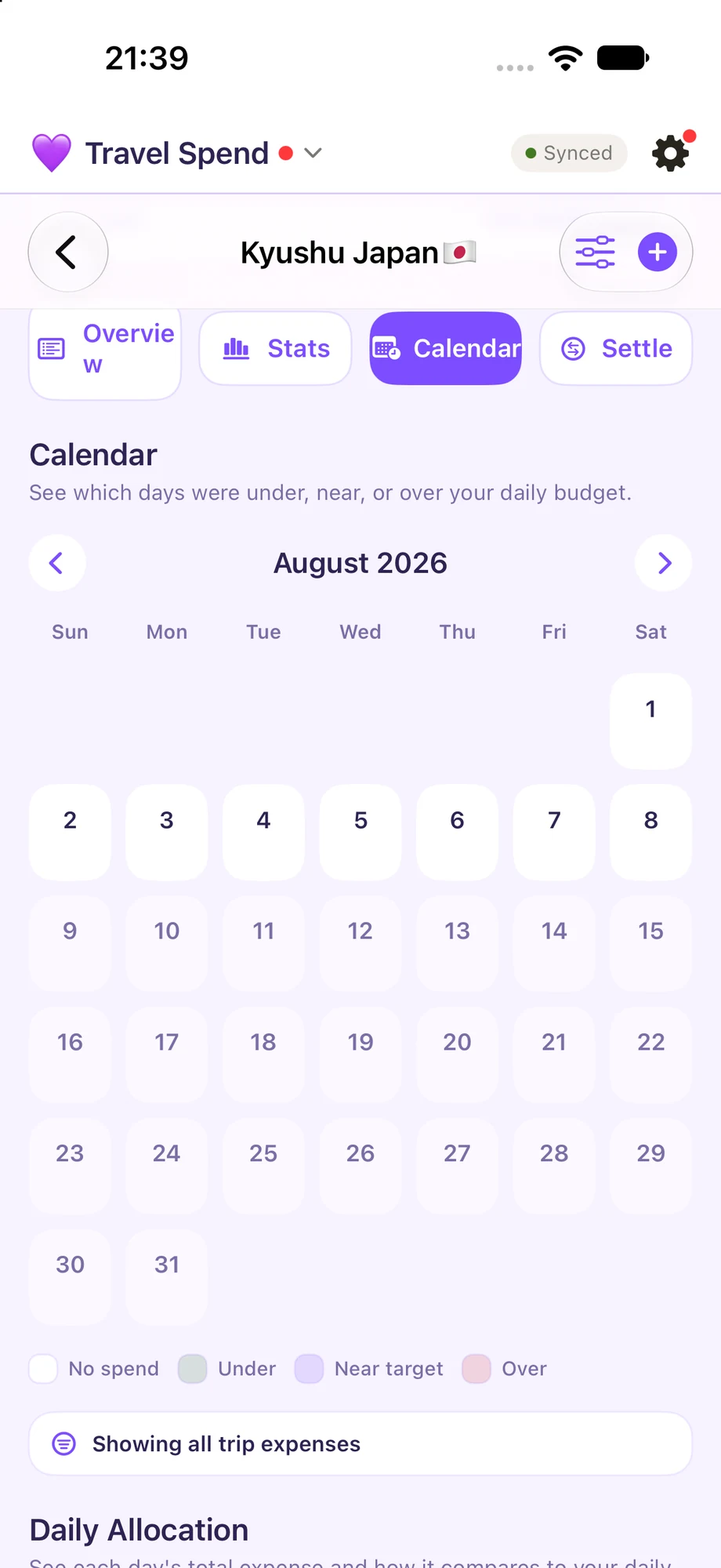
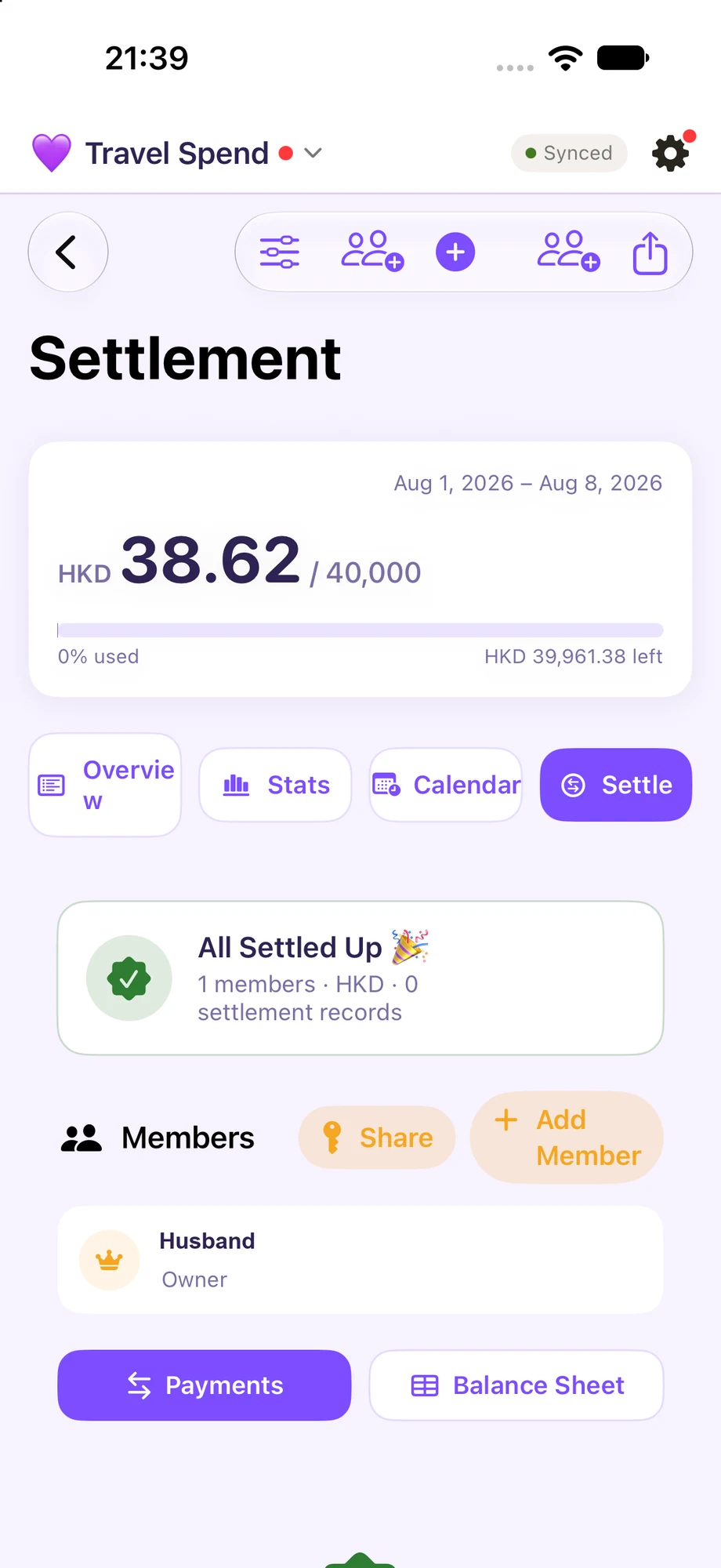
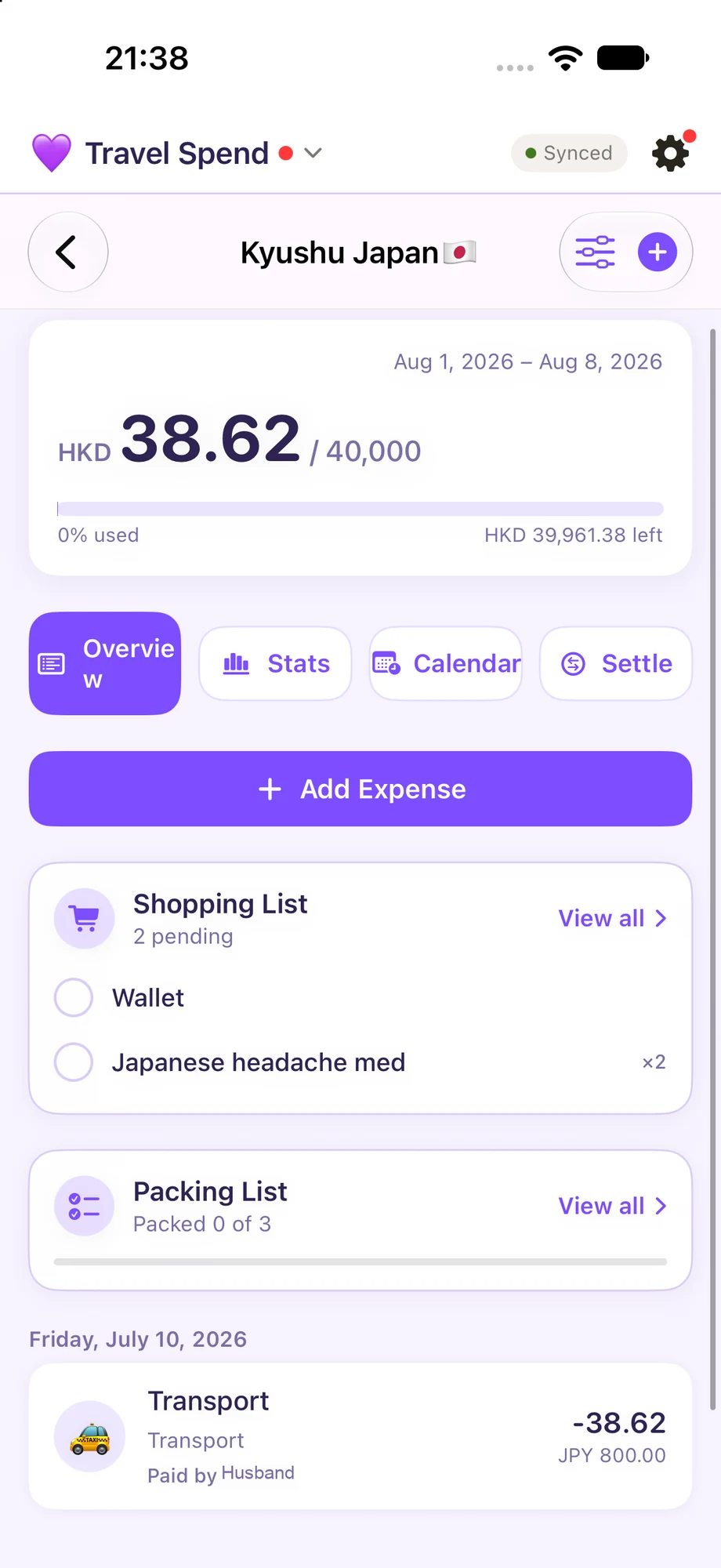
Give each trip its own budget, record what you spend and where it goes, and keep track of who paid. When travelling with friends, see who owes whom to help settle shared costs.

Tired of figuring out what to pack every time?

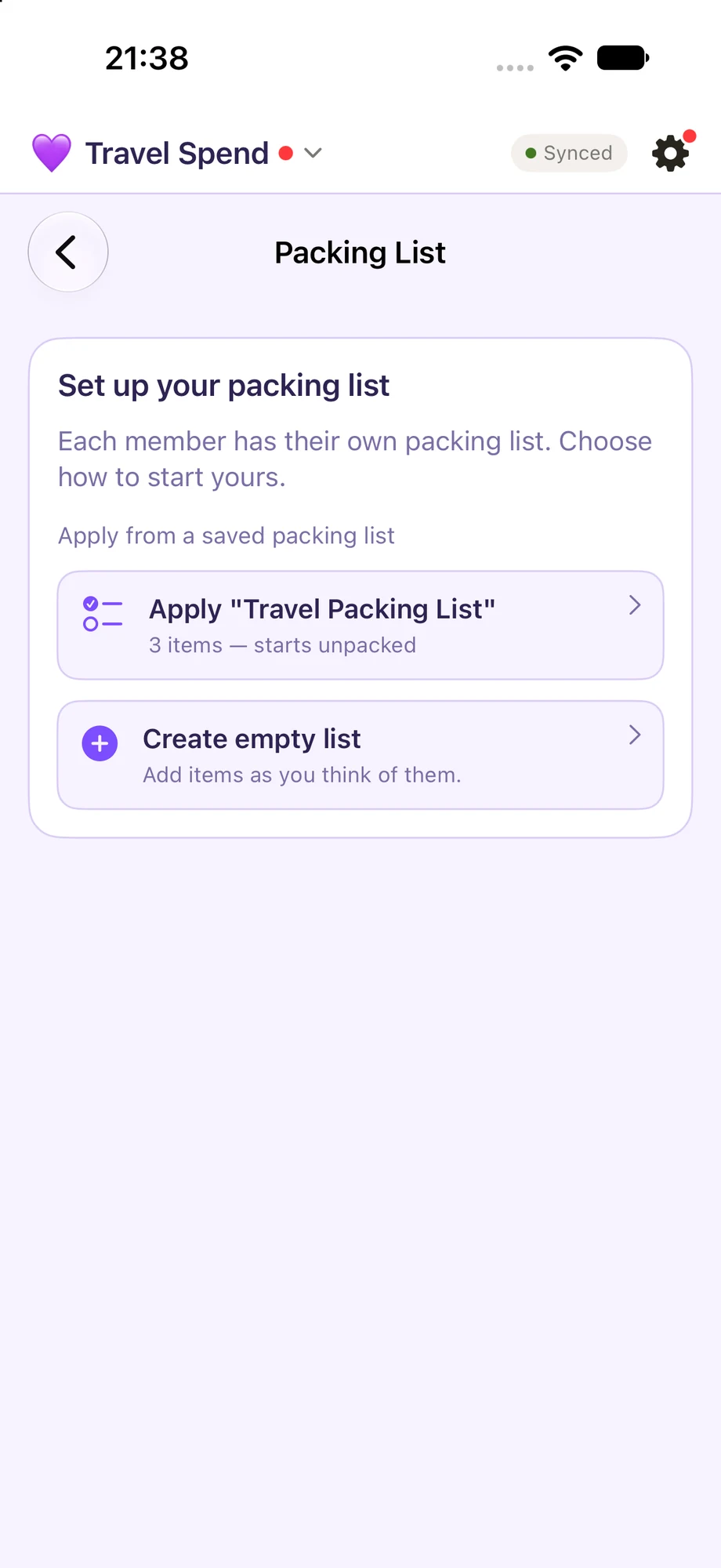
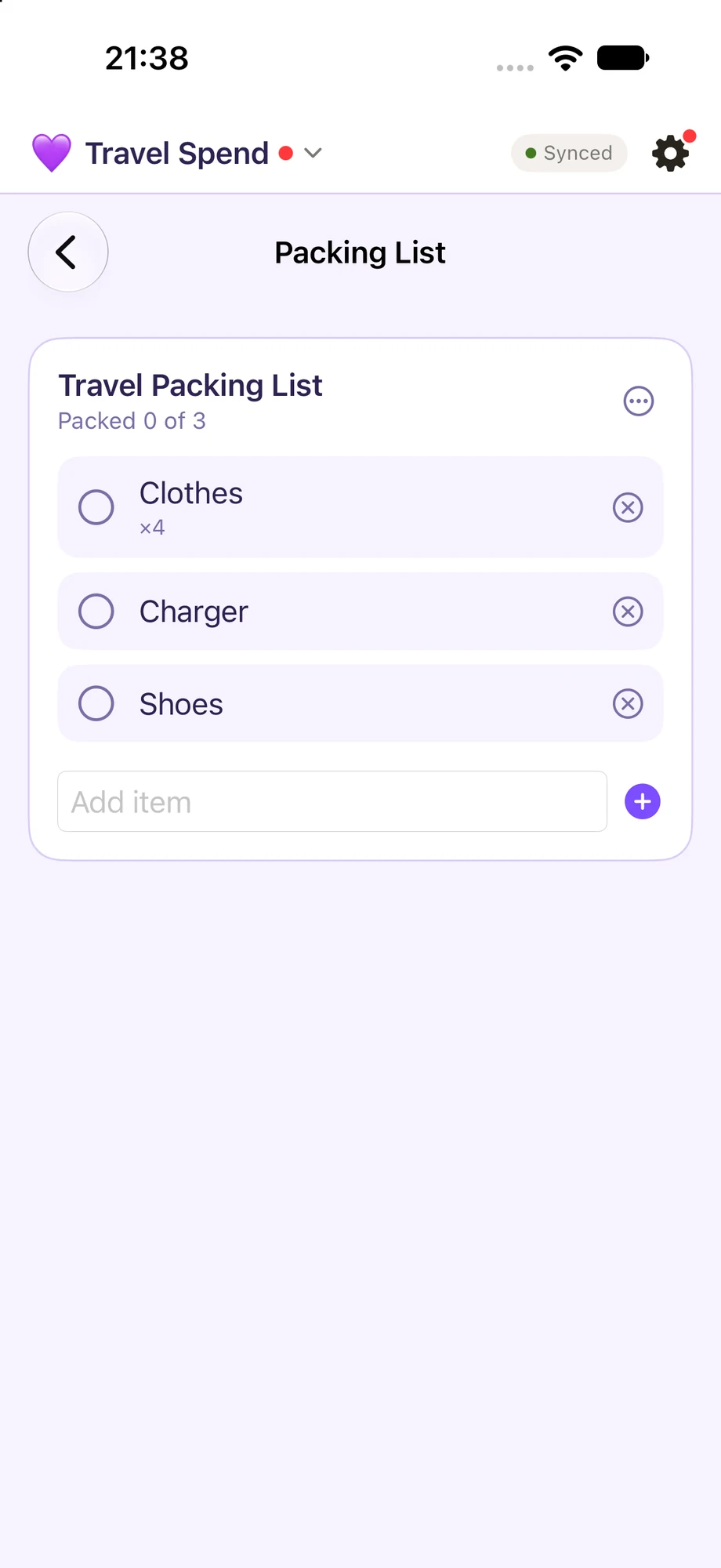
Save reusable personal packing lists—perhaps one for summer and another for winter. Set quantities in your template, apply it to a trip, add or remove items as needed, and tick things off as you pack.

Already dreaming of what you'll buy on your trip?

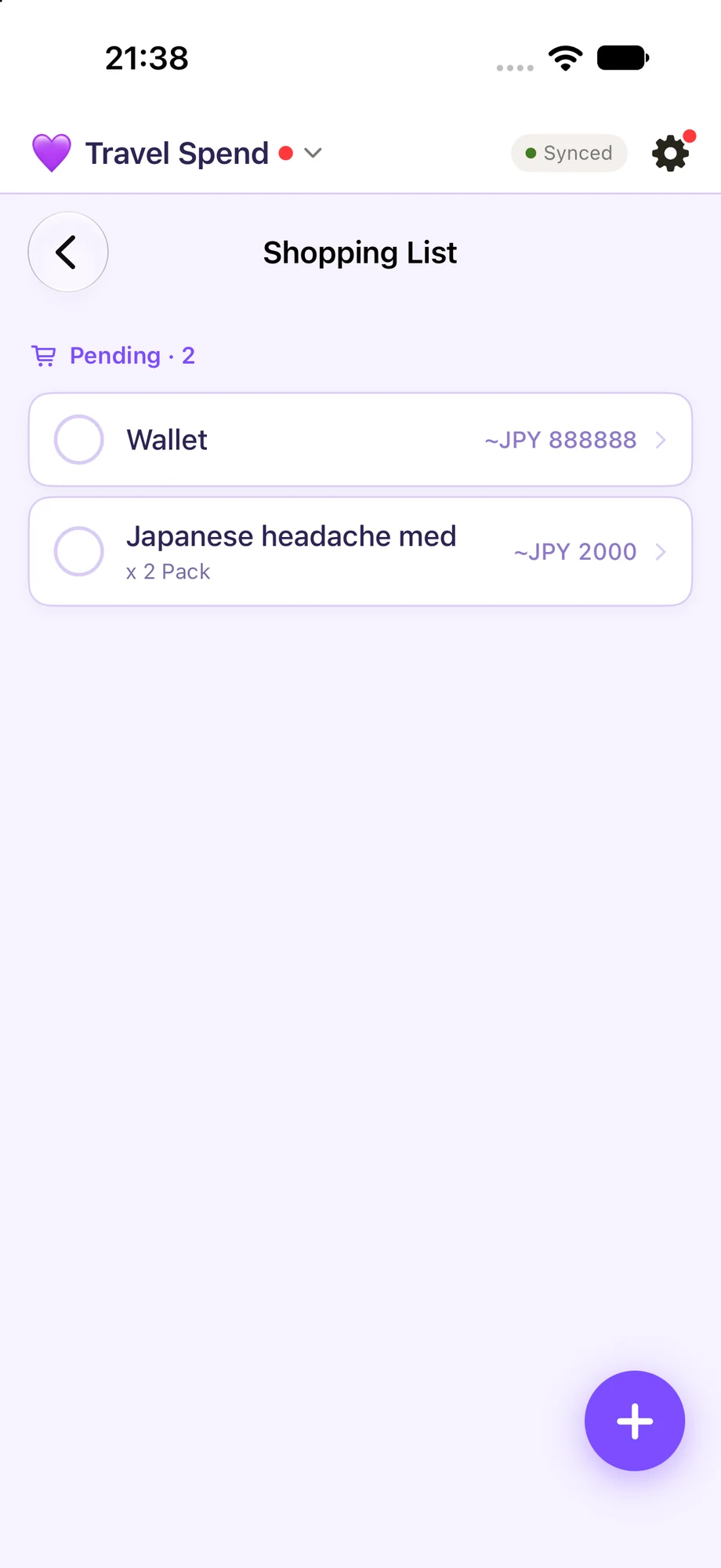
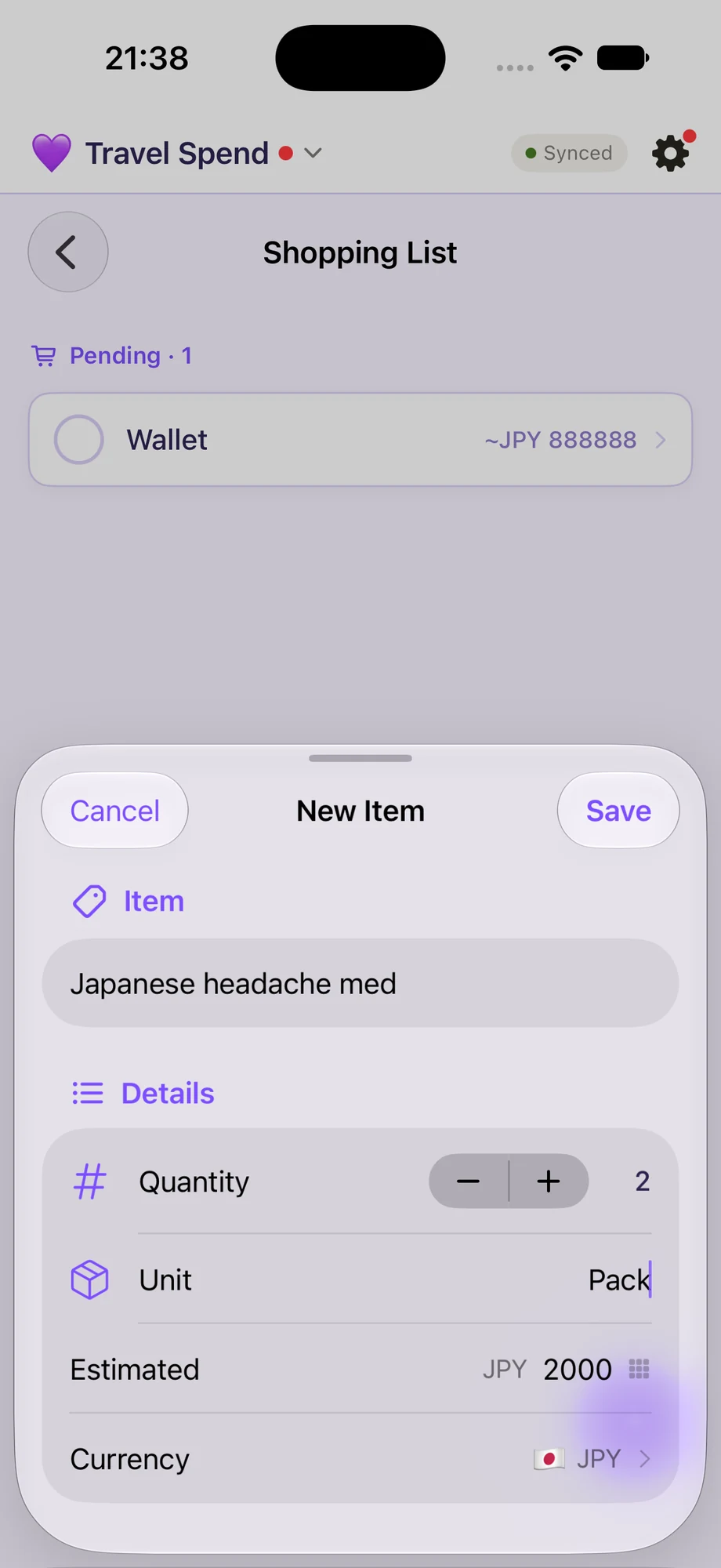
Keep a shopping list for each trip, separate from your everyday household groceries, so those ideas are waiting when you get there.

Explore Travel

Couple Budget 背後的想法

為重要的事,
留一點空間。

看清楚每筆錢的用途,記住日常小事,也為下一趟旅程做好準備。由一個你可能也有過的疑問開始。

01

你們的錢

知道哪些錢已經有用途。

銀行戶口裡的錢,真正可以自由用的有多少?

銀行結餘未必說明全部。你可以為稅款、保險、進修或旅行等用途建立帳戶,再用群組整理,看看錢是如何分配的。也可以為帳戶選擇銀行,知道錢存放在哪裡。

例如,HK$10,000 當中:HK$6,000 稅款 + HK$2,000 保險 + HK$2,000 未預留作這兩項用途

以上只是例子;結餘由你在 App 輸入,並非連接銀行。

探索帳戶

每年一大筆帳單,總是來得太突然?

先想清楚固定及經常性的開支,建立可以沿用的預設每月預算。季度或年度帳單也別忘了:例如每月為保險儲起一點,付款時就有準備。帳單提醒亦可幫你留意即將到期的款項。

探索每月預算
02

你們的日常

一起打理生活中的小事。

去到超市,才想不起家裡還剩多少?

把經常回購的食品和日用品記在庫存,用了就順手更新數量,購物前查看一下。數字未必要完全準確,有個大概也能幫你決定要不要買、買多少。

想起要買的東西,到了商店卻忘記了?

想起時先寫進共享購物清單。當庫存降到設定的低存量門檻,App 會提示你是否加入購物清單,由你決定要不要加。

那些隔很久才做一次的家務,怎樣才不會忘?

用共享待辦清單記下清洗抽油煙機或冷氣機等事情,設定重複週期或提醒。完成後標記一下,家人也能看到哪些事情已經做好。

探索共享清單
03

你們的下一趟旅程

計劃好旅程,安心出發。

一起去旅行,誰付了甚麼、最後怎樣分帳?

為每趟旅程設定獨立預算,記下花了多少、花在哪裡和由誰付款。跟朋友同行時,也可以查看誰需要付給誰,方便結算共同開支。

每次旅行都要重新想一次執甚麼行李?

儲存可重用的個人行李清單,例如夏天一份、冬天一份。先在範本設定數量,再套用到旅程;按需要增減物品,一邊執一邊勾選。

已經想好旅行時要買甚麼,卻怕到時忘記?

為每趟旅程記下專屬購物清單,與平日的家庭採購分開,到目的地時就可以隨時查看。

探索旅遊模式

Take a closer look

A few ways to
stay in sync.

Pick a feature, browse its screens, and see how it fits into the plans you share.

01Budget syncOne shared household view

Shared household

Keep the household on the same page.

Budgets and household records are shared with members. Changes sync between members when connected, so everyone can check the same household view.

This is household sharing—not automatic bank syncing or bank import.

02Income, expenses & accountsKeep the details together

Accounts & spending

Log what comes in and goes out.

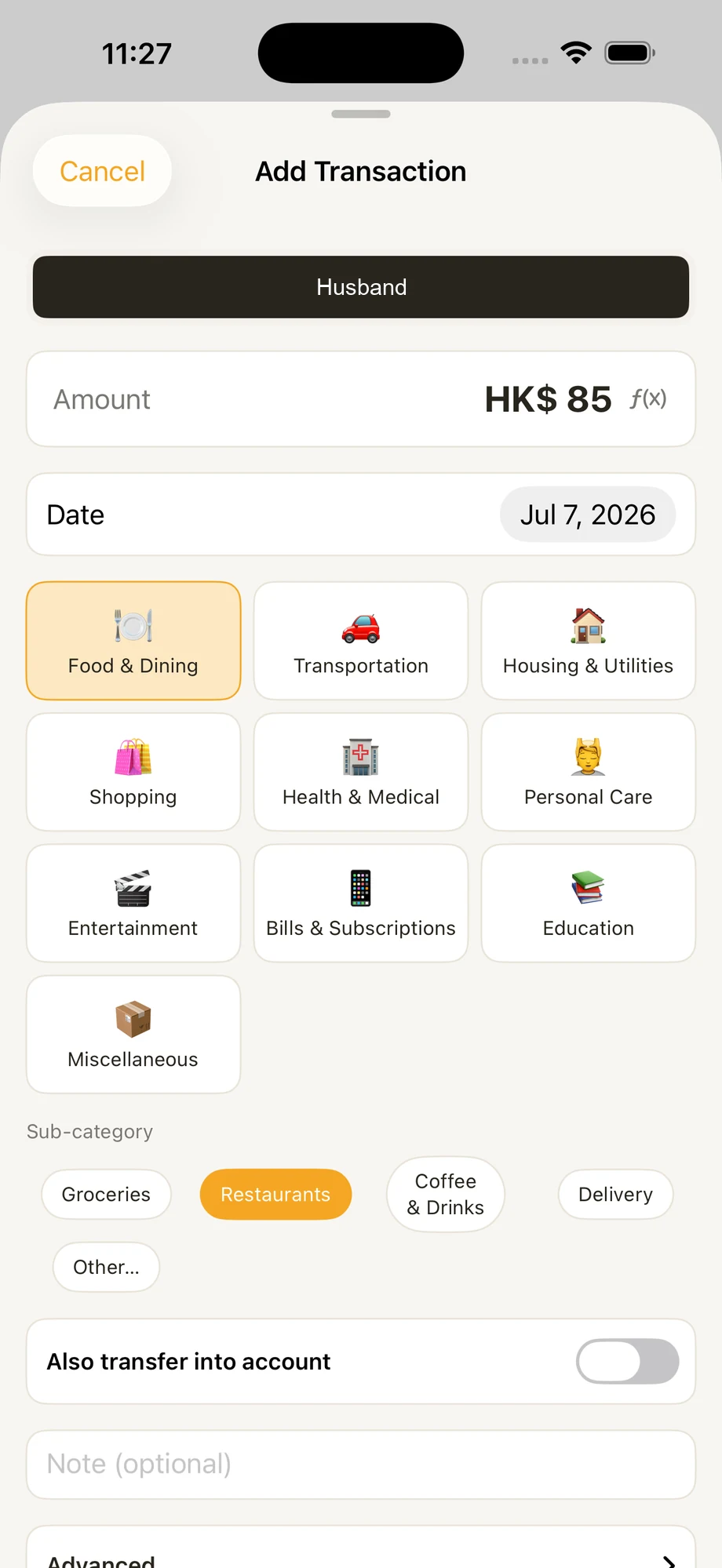
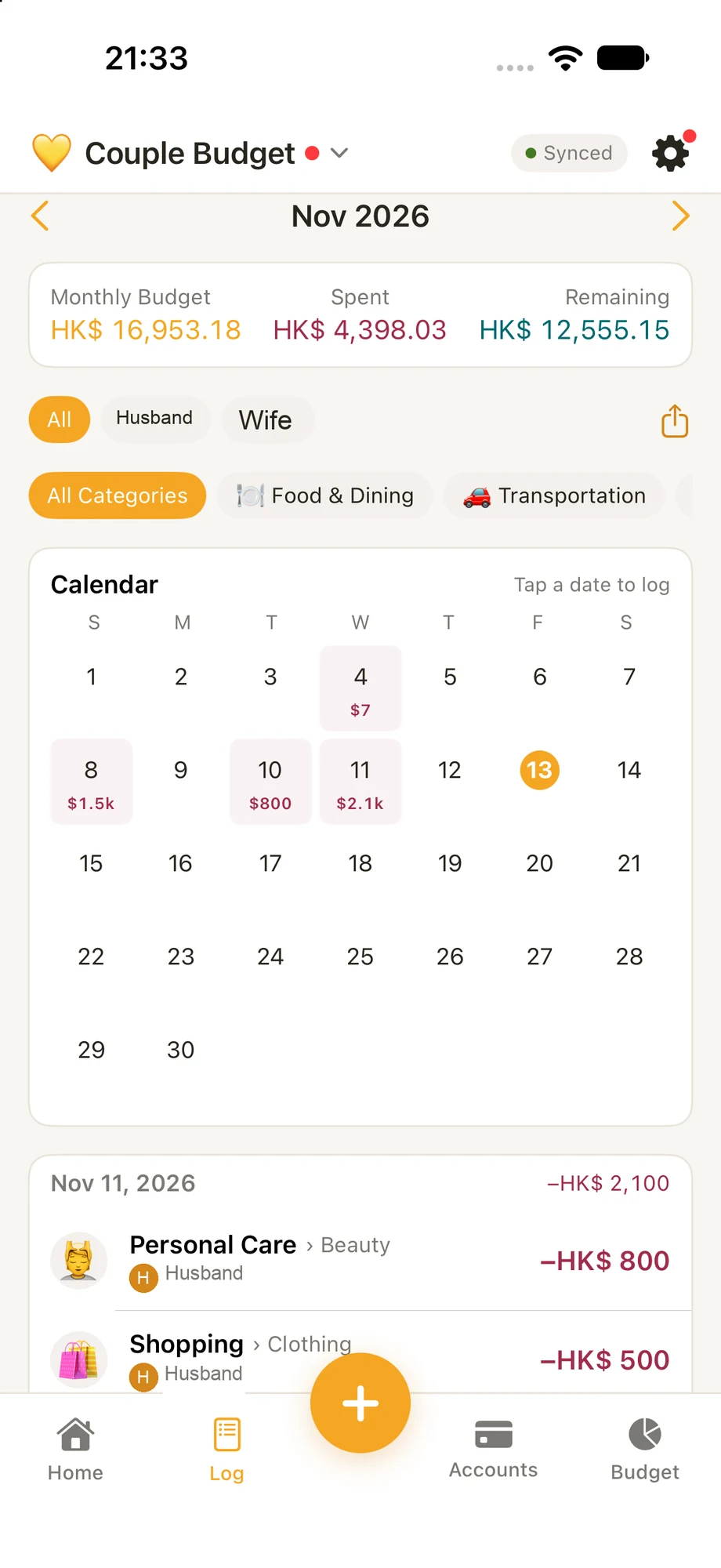
Record income and expenses with categories that fit your household. Shared accounts keep balances visible to members in one place.

Account balances are entered in the app; no bank connection is implied.

03Monthly budgetingPlan by category

Month by month

Give each category a plan.

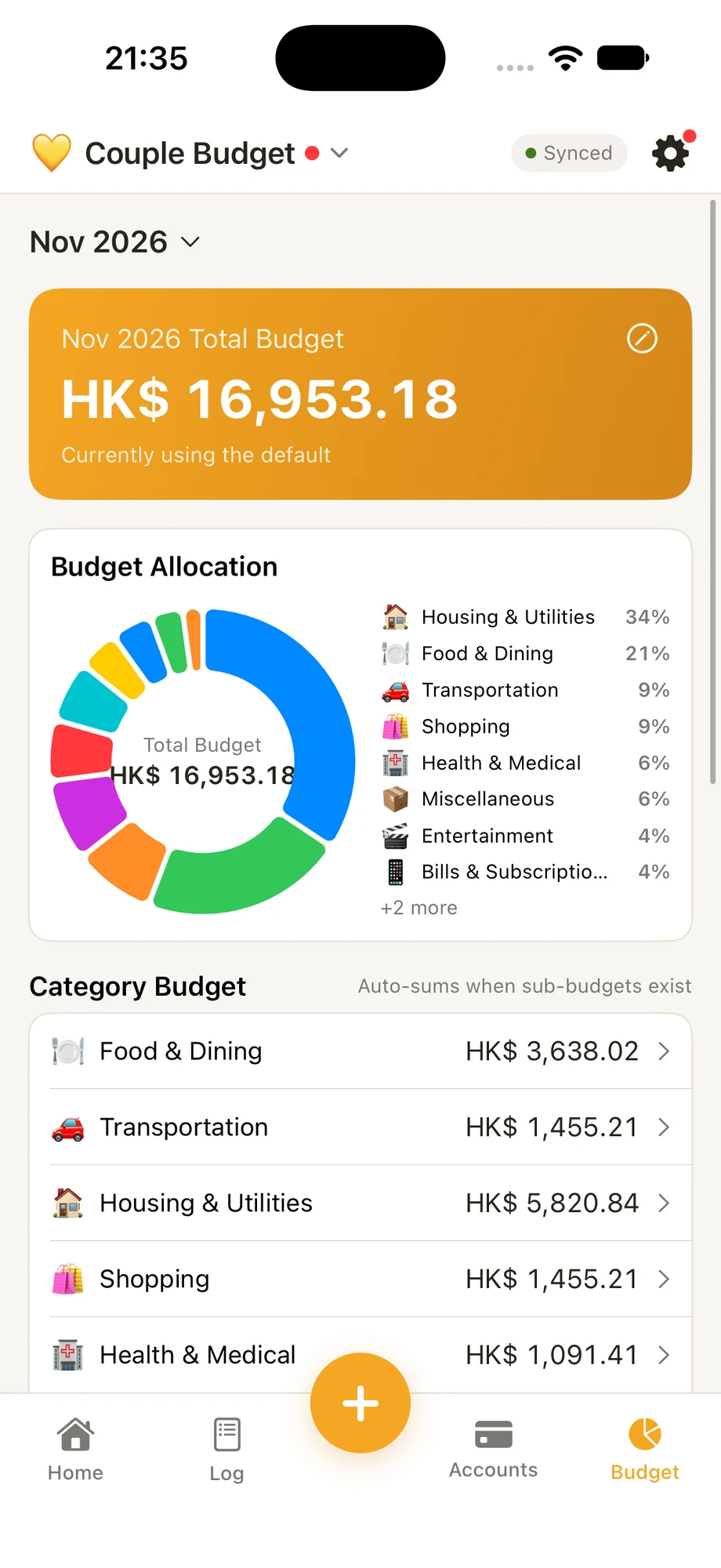
Set monthly budgets by category and see what has been spent and what remains. The app supports multiple currencies.

Start with essentials, leave room for flexible spending, and review the plan together each month. A budget is a shared guide, not a scorecard.

04To-Do & To-Buy listsShare the household chores

Little things, together

Keep tasks and shopping in view.

Coordinate with shared To-Do and To-Buy lists, and keep track of household items with Inventory.

Use To-Do for things to finish and To-Buy for things to purchase. Check what you already have before adding more.

05Travel modeKeep trip costs separate

Travel Spend

Take shared budgeting on the trip.

Keep trip expenses separate from your household budget, record costs in more than one currency, and see who owes whom.

Agree on a trip budget before you go and review shared expenses before settling up.

06Bill remindersStay aware of recurring bills

A helpful nudge

Keep recurring bills on your radar.

Set reminders for recurring bills so you can keep an eye on upcoming payments.

See it in motion

A little more
in sync.

Press play to watch. Both videos start muted; use the speaker control whenever you want to listen.

Couple Budget concept

A walkthrough of the monthly view and category budget.

Open video

iOS Shortcut introduction

A look at iOS Shortcuts. Setup and availability depend on your app and iOS version.

Open video

For the plans you share

Bring your money
into focus.

Try Couple Budget on your iPhone.

View on the App Store

Follow our journey

The plans we share.

Instagram · @couplebudget_noteasy

Inside Couple Budget