Life is easier to plan when you can see what your money is for, remember the little things, and make space for the next adventure. Start with a question that sounds familiar.
01
Your money
Know what is already spoken for.
How much of your bank balance is really free to spend?
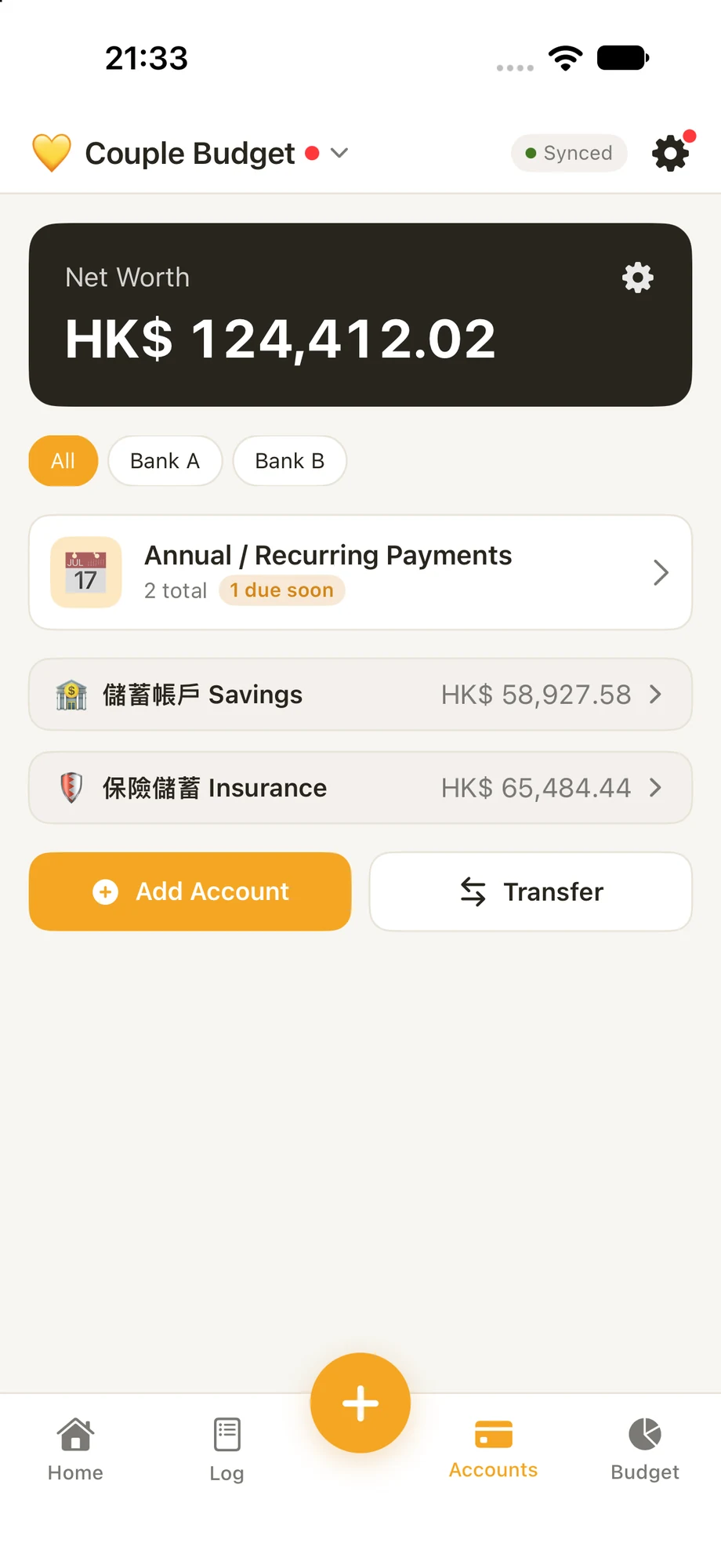
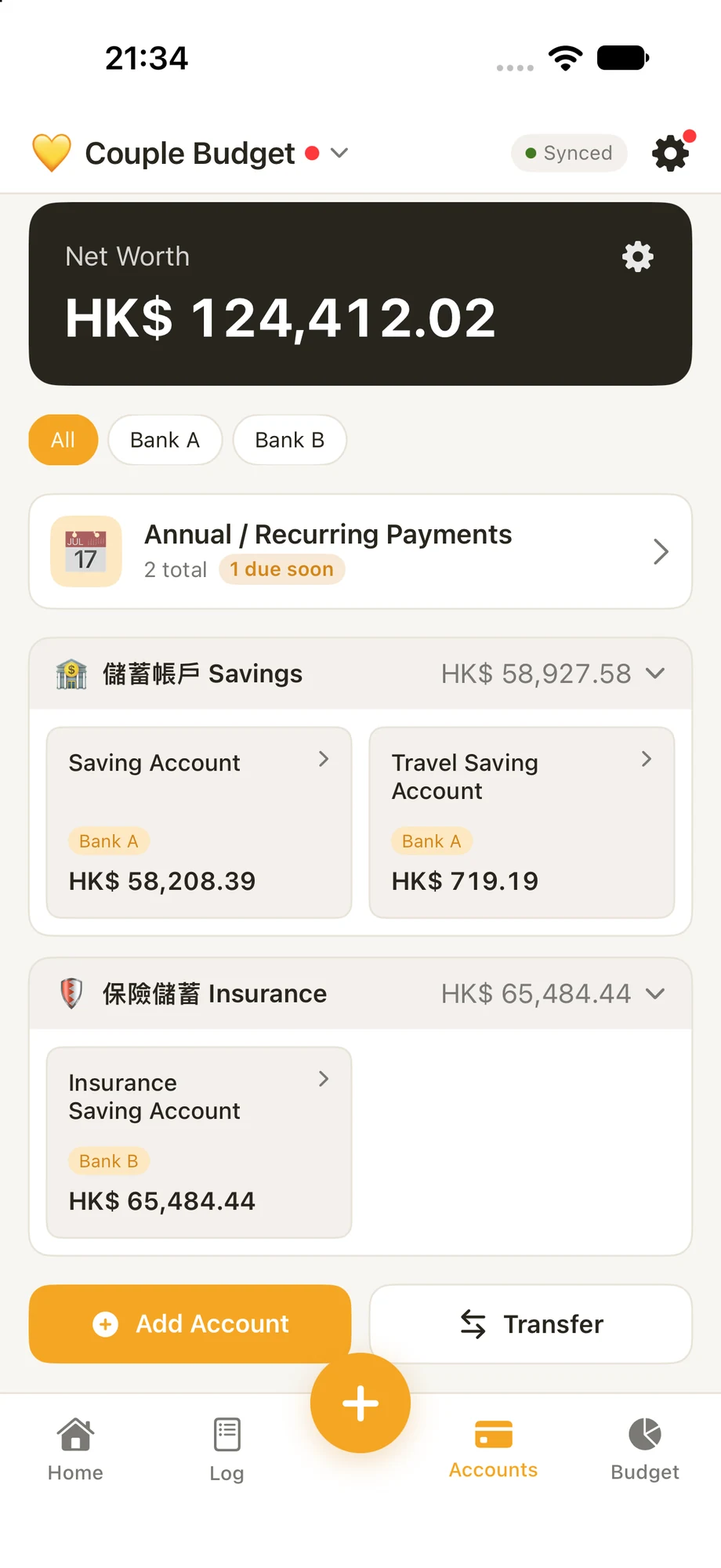
A balance alone doesn't tell the whole story. Create accounts for purposes like tax, insurance, education or travel, group them, and see how your money is earmarked. You can also associate accounts with banks to see where the money is held.
For example, out of HK$10,000:HK$6,000 tax + HK$2,000 insurance + HK$2,000 not reserved for these purposes
An illustration, not a bank connection: balances are entered in the app.
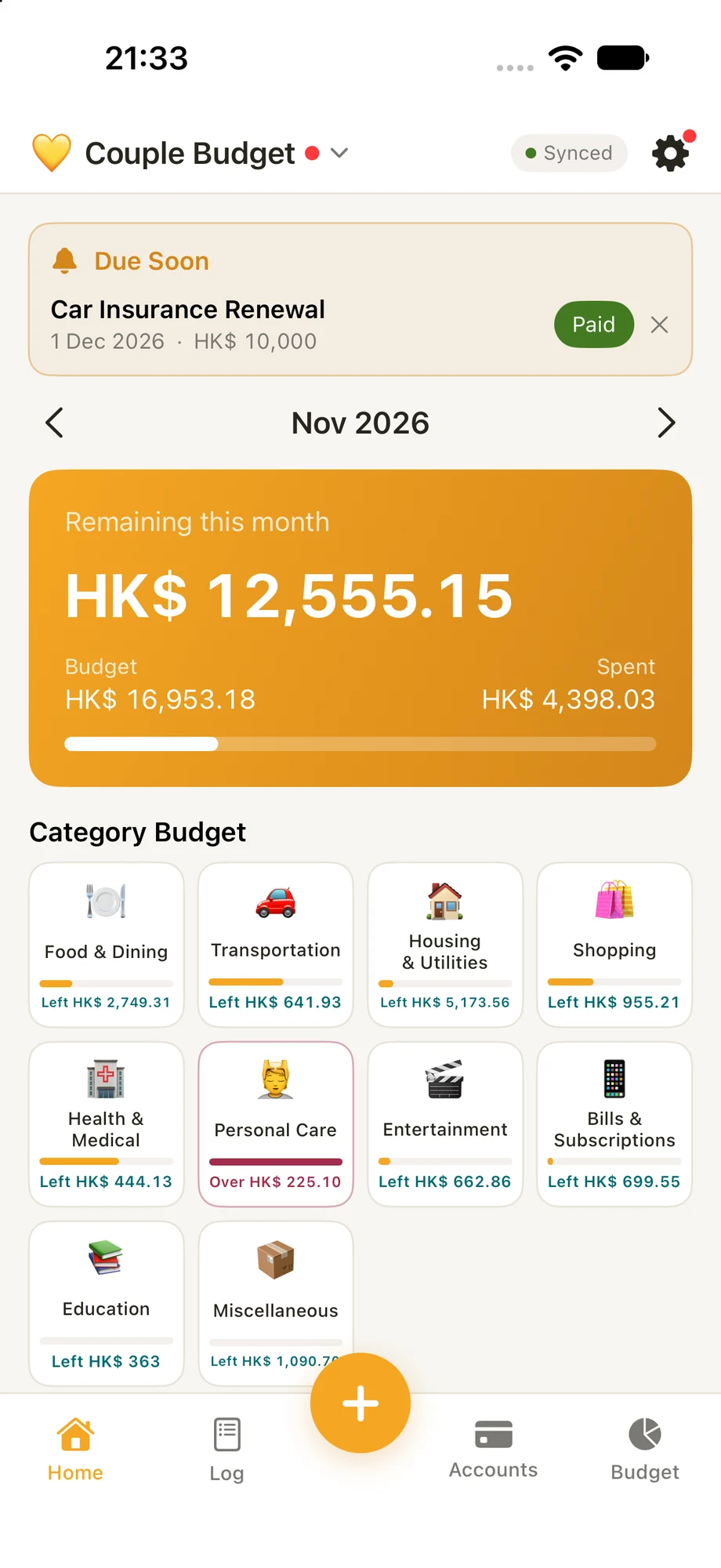
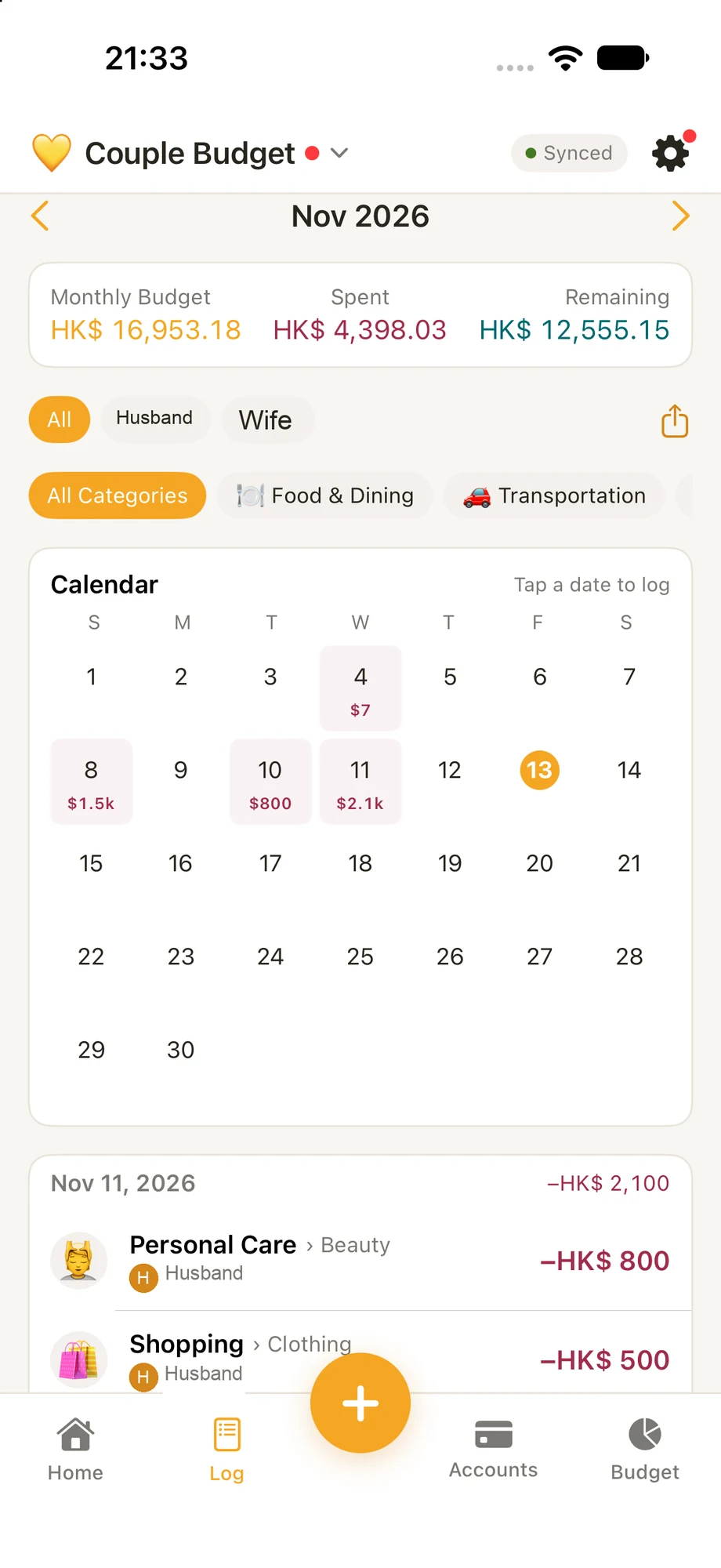
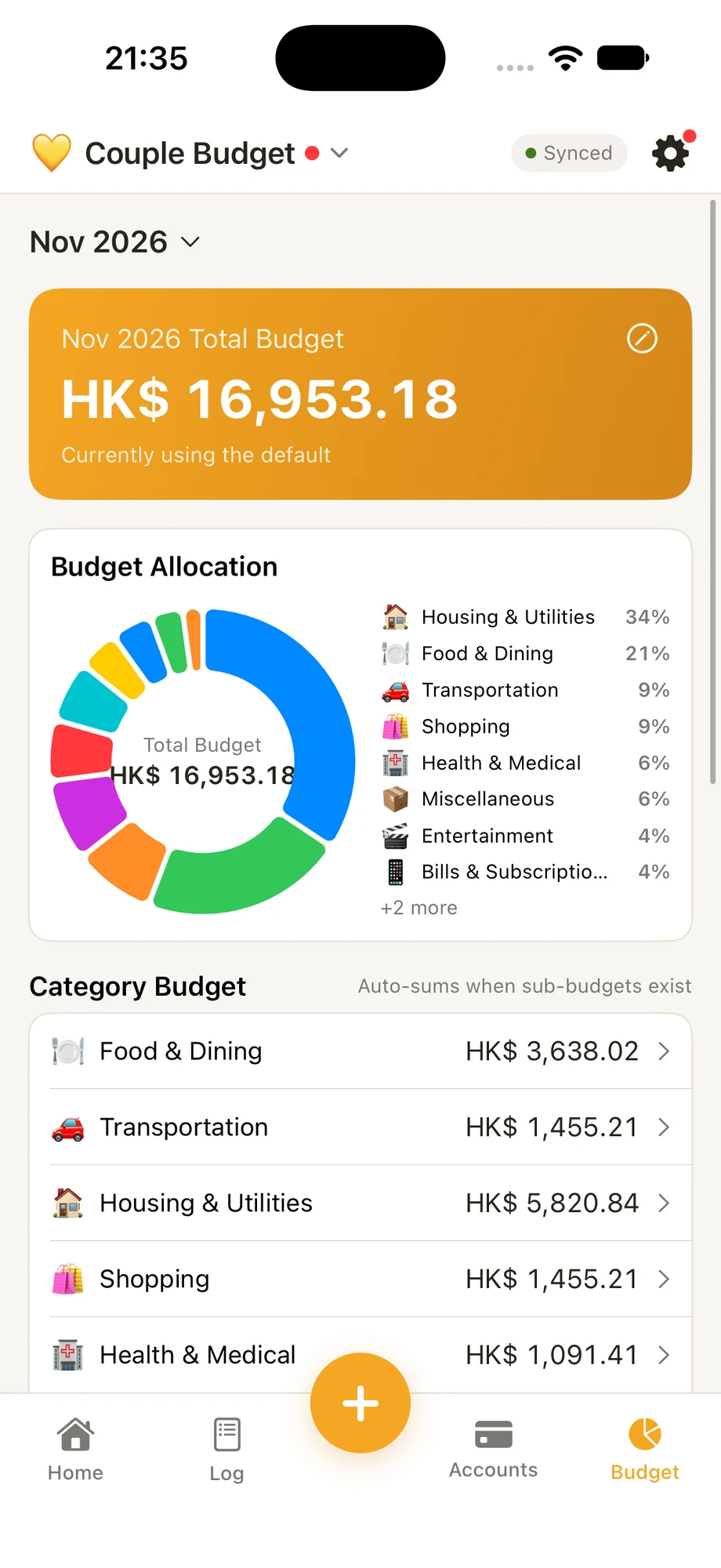
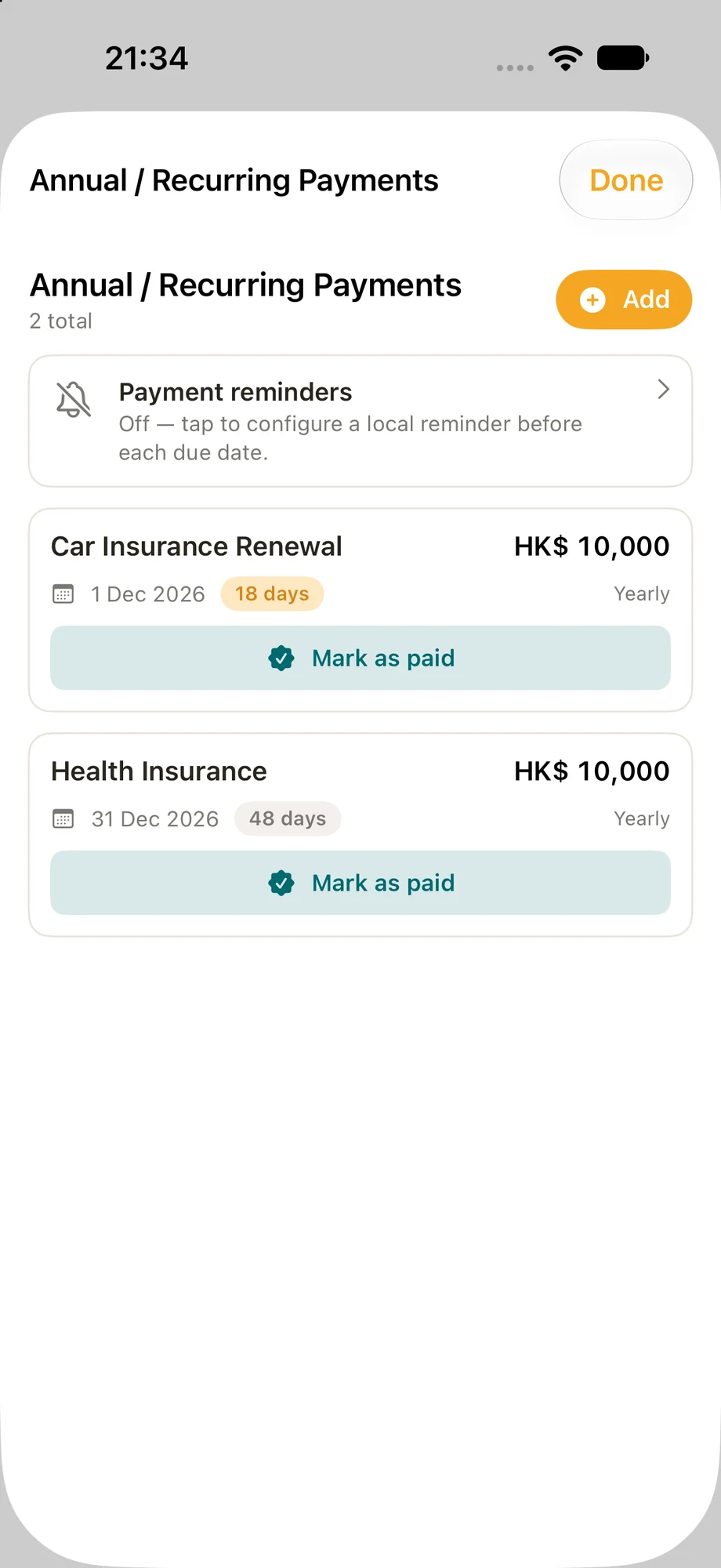
Build a reusable default monthly budget around fixed costs and the things you spend on regularly. Consider quarterly or yearly bills too: setting aside a little each month for insurance can make a large payment easier to prepare for. Keep upcoming payments in view with bill reminders.
Standing in a shop, wondering what's left at home?
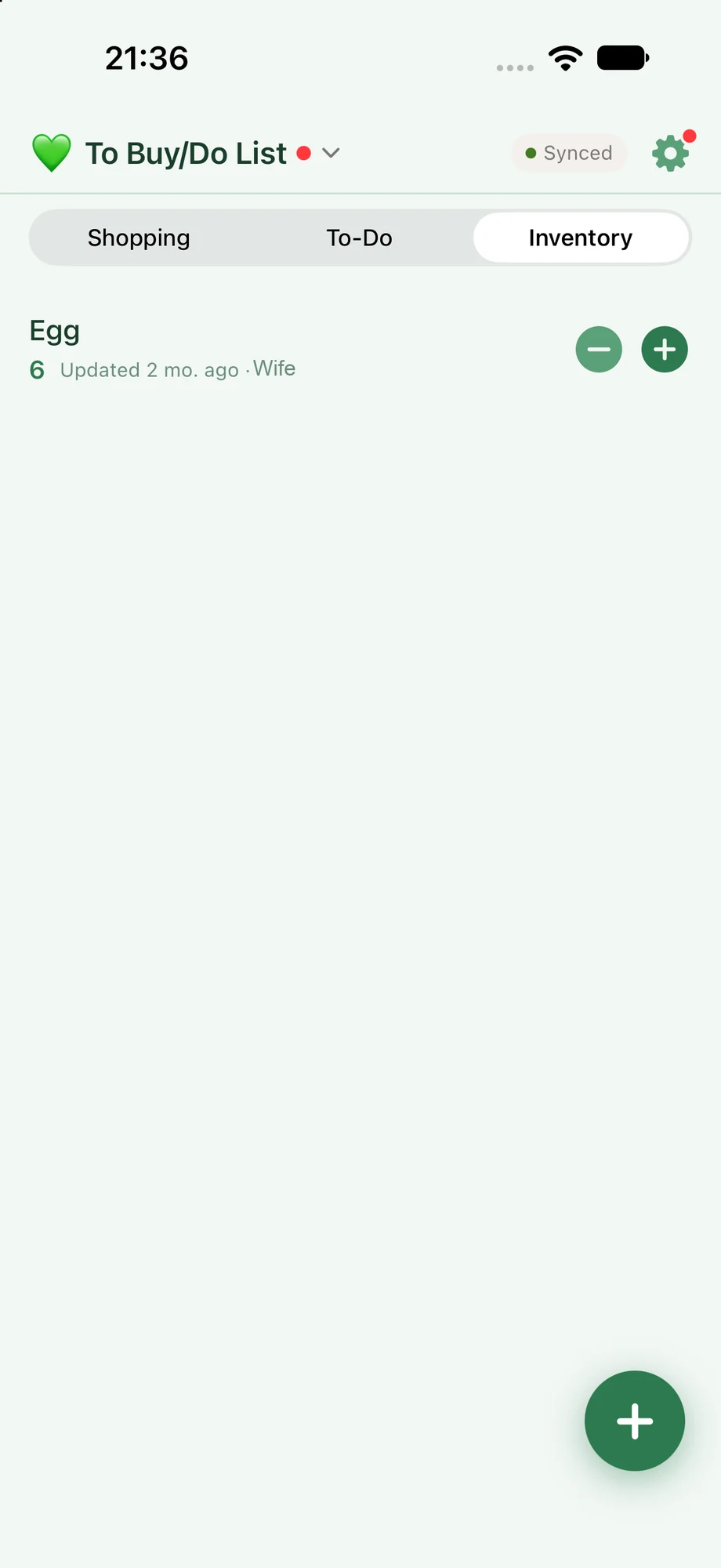
Keep a rough count of the groceries and household essentials you buy again and again in Inventory. Update quantities when you use them, then check before you shop. It doesn't have to be perfect to be useful.
Ever remember something you need, then forget it at the shop?
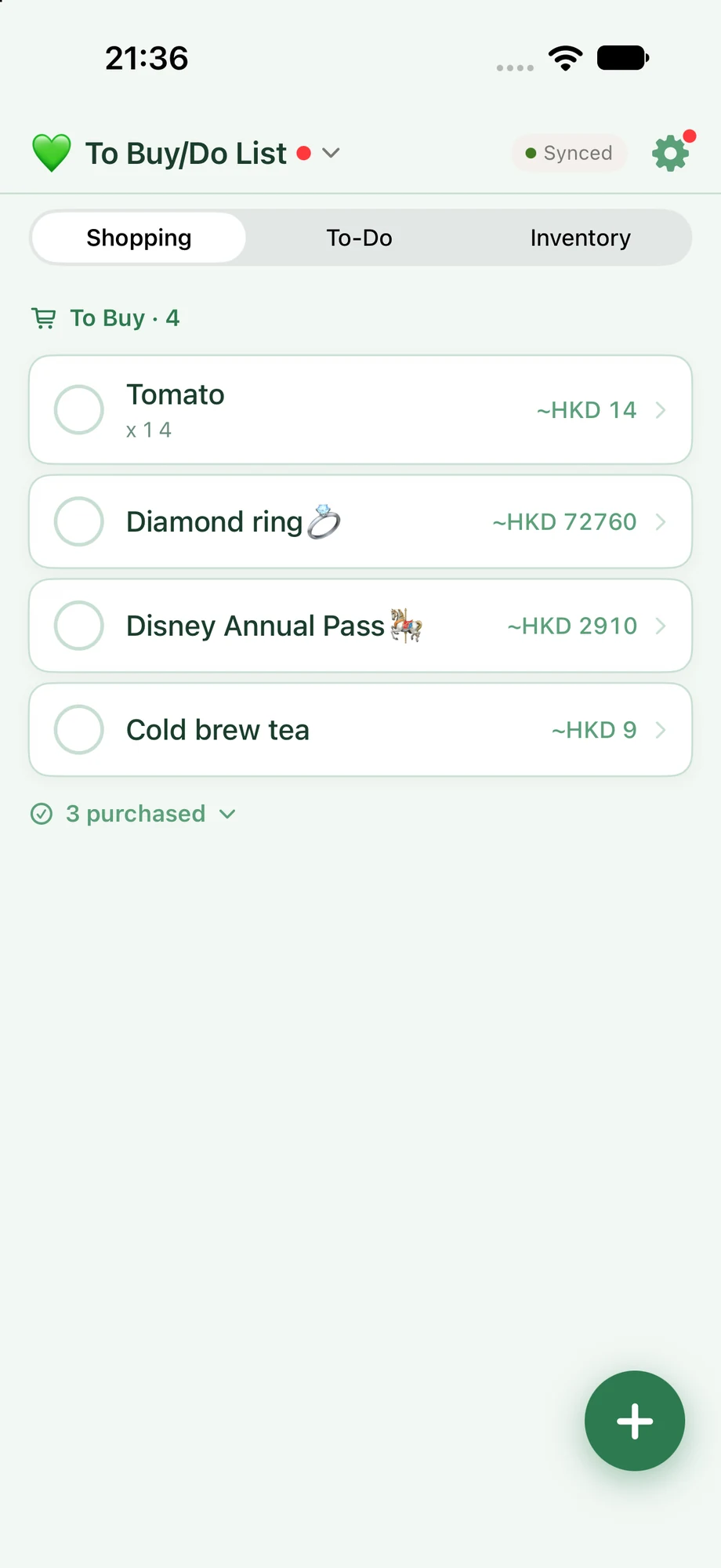
Add it to the shared To-Buy list when it comes to mind. When an inventory item falls to its low-stock threshold, the app can prompt you to add it to the list—you decide whether to add it.
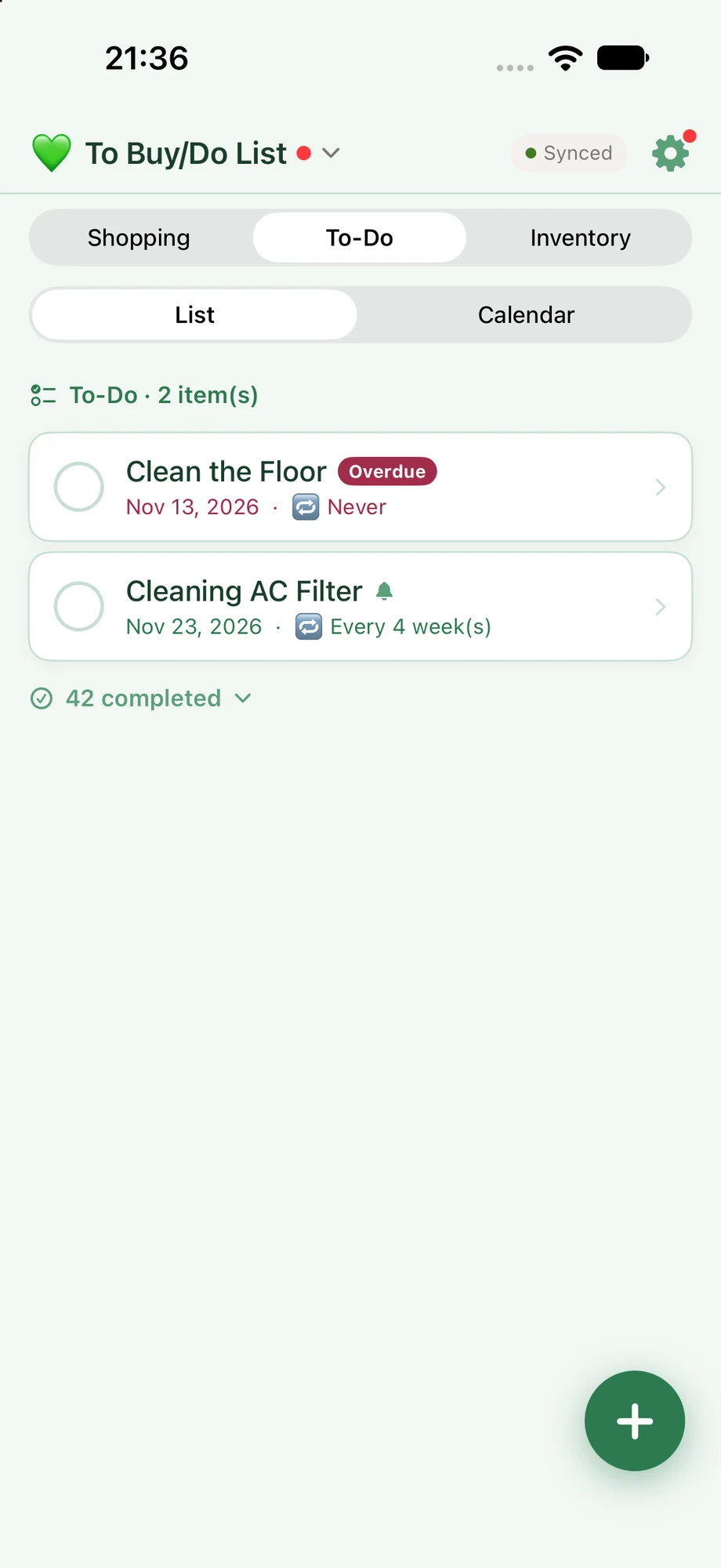
What about the chores that only come around once in a while?
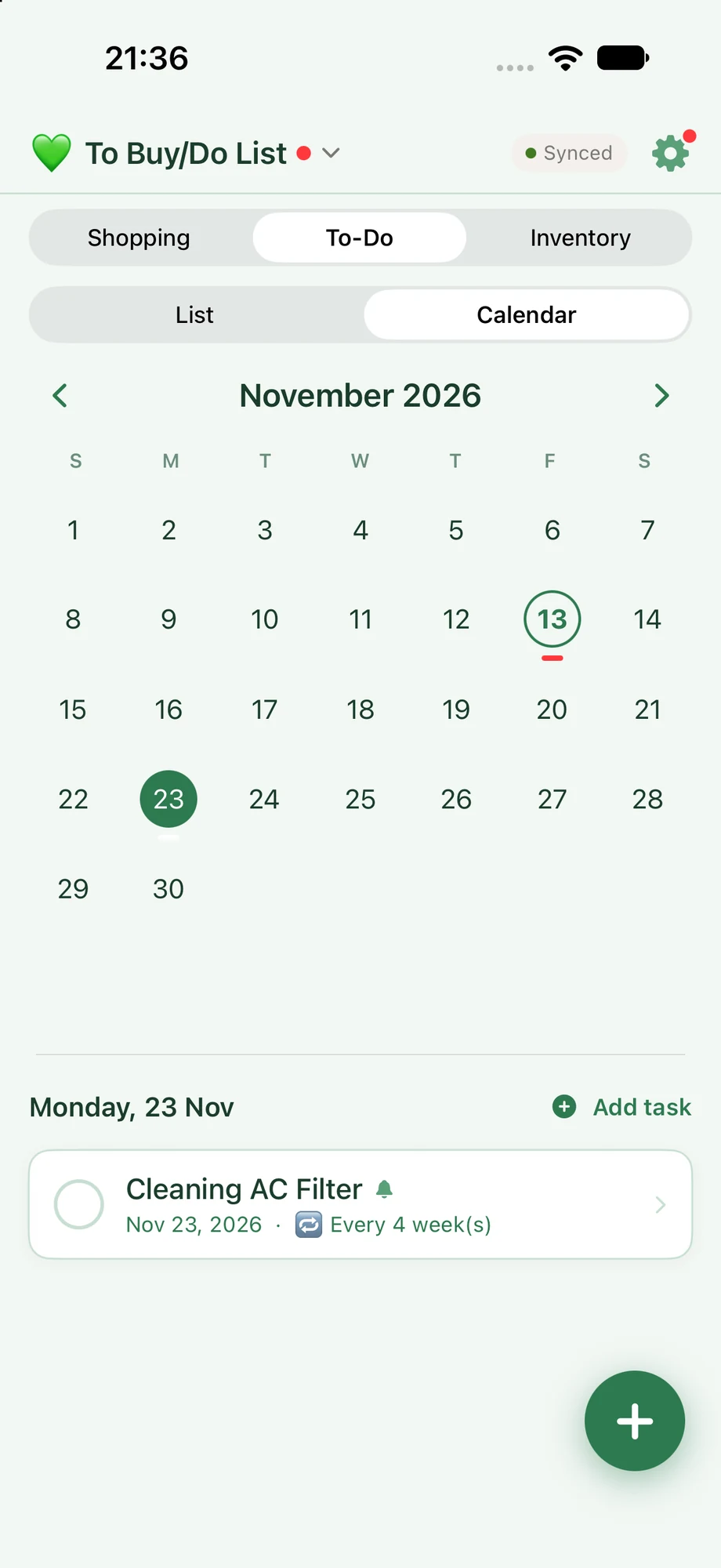
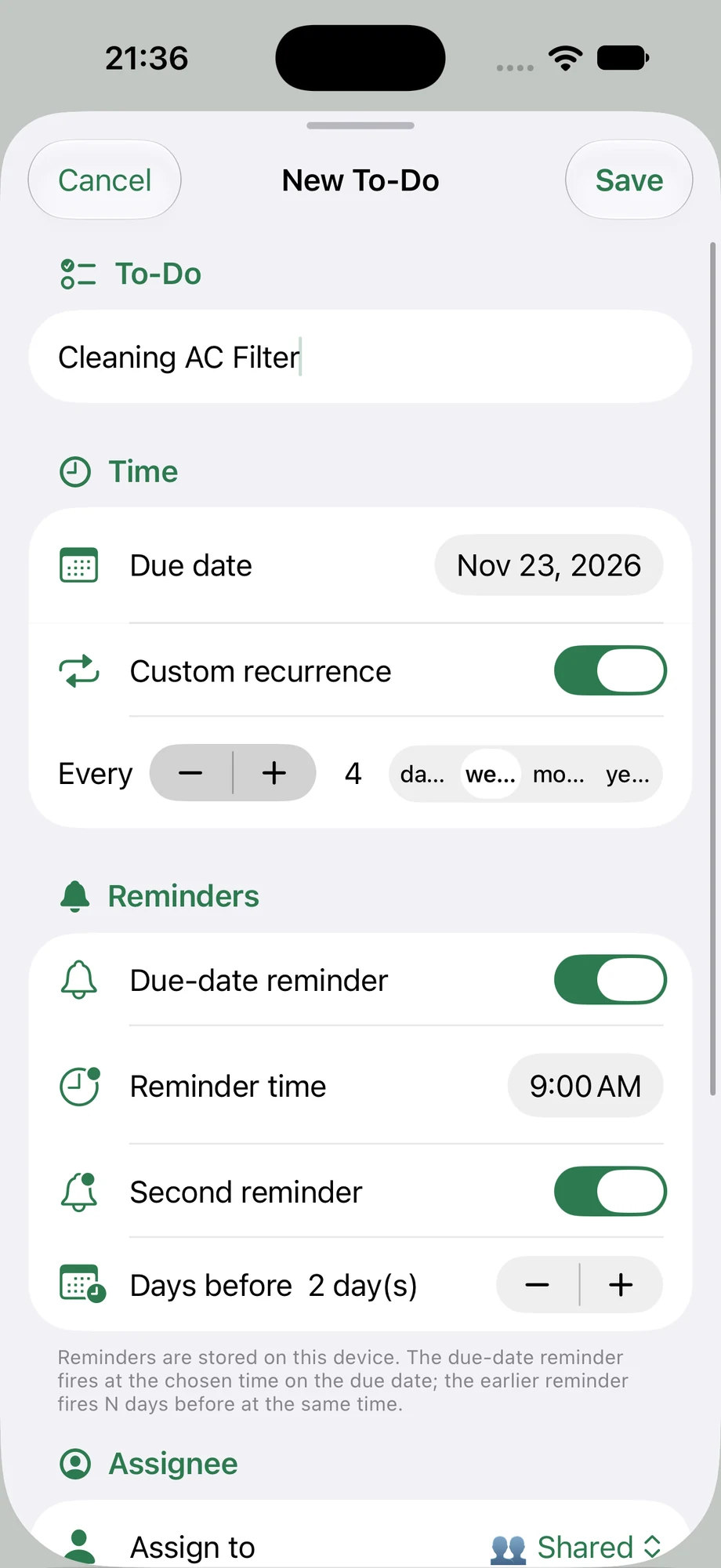
Use the shared To-Do list for things like cleaning the range hood or air conditioner. Set a recurrence or reminder, and mark the task done so your household can see what's been taken care of.
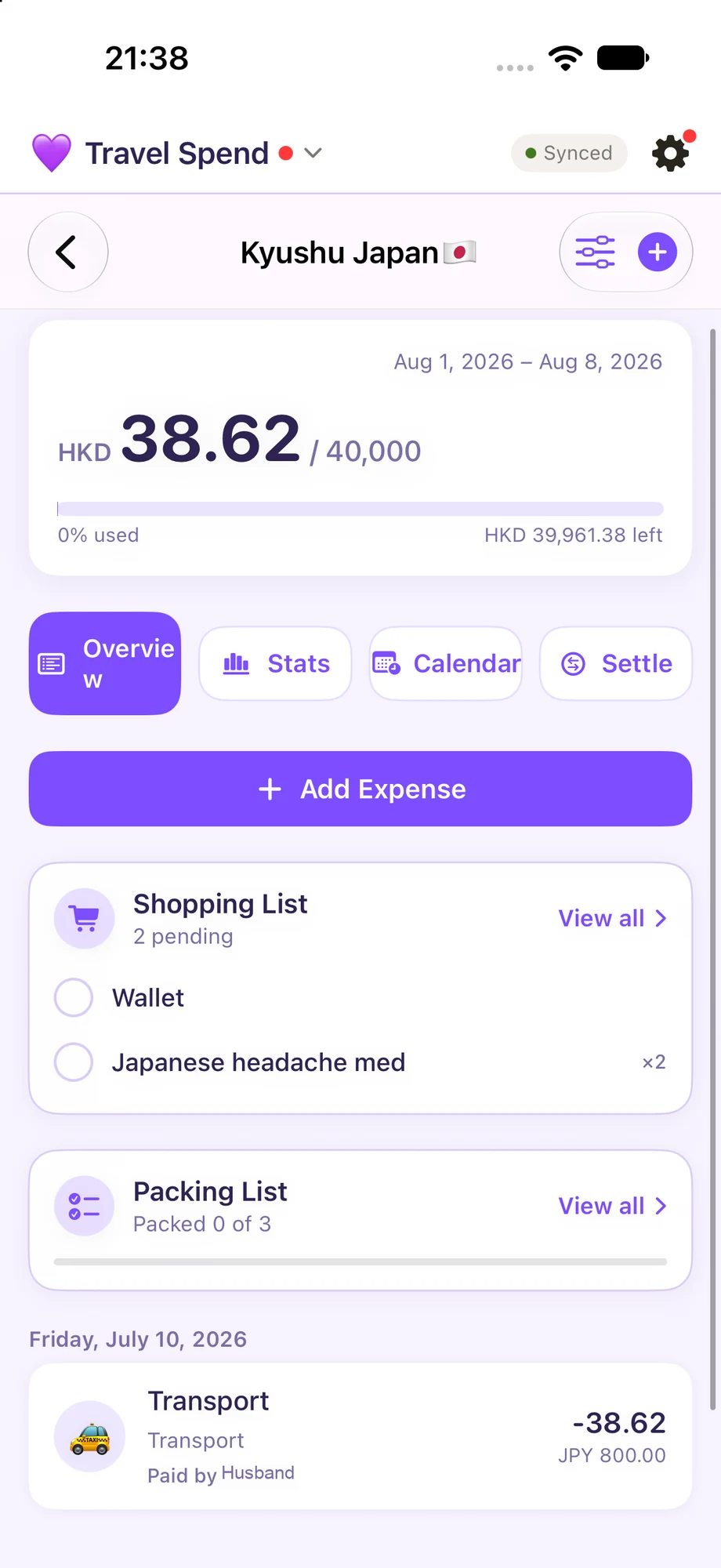
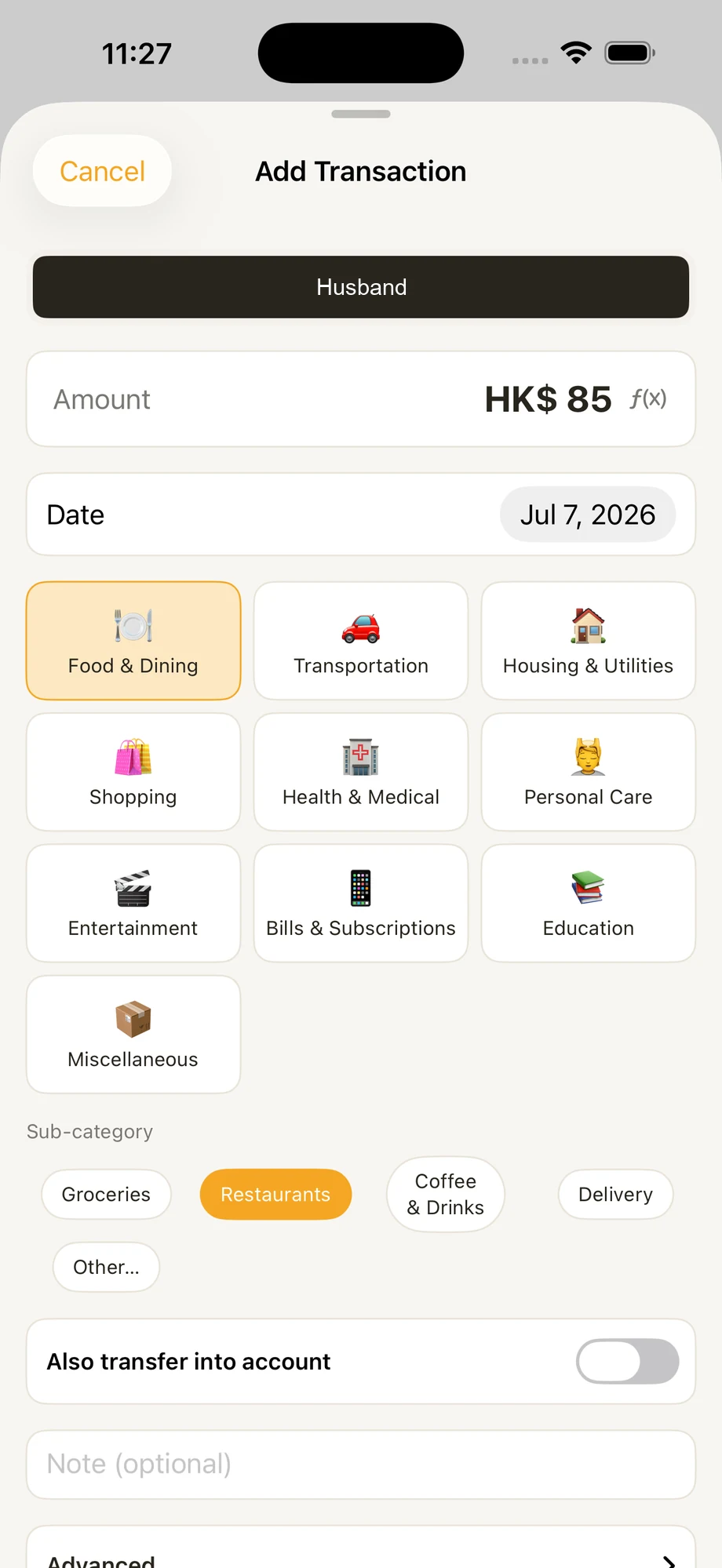
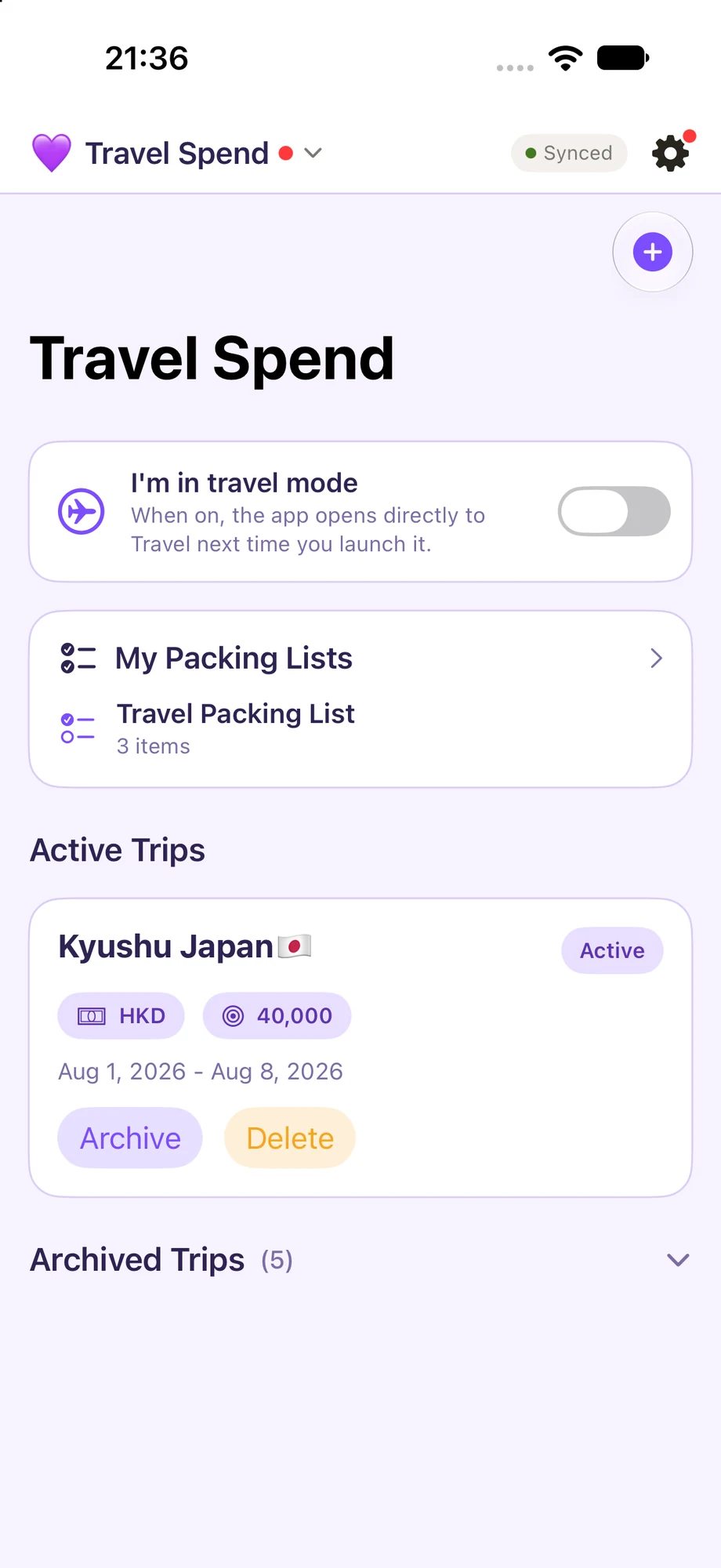
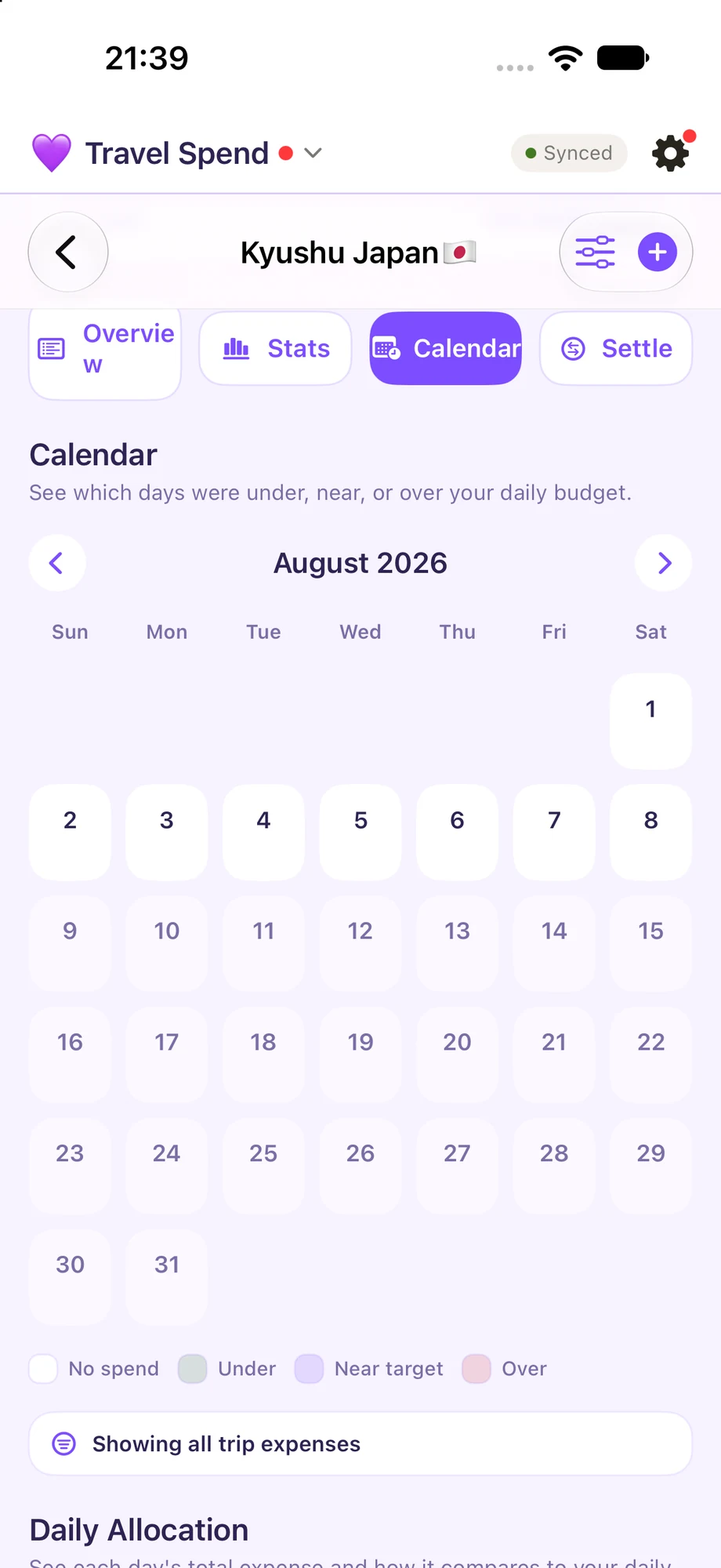
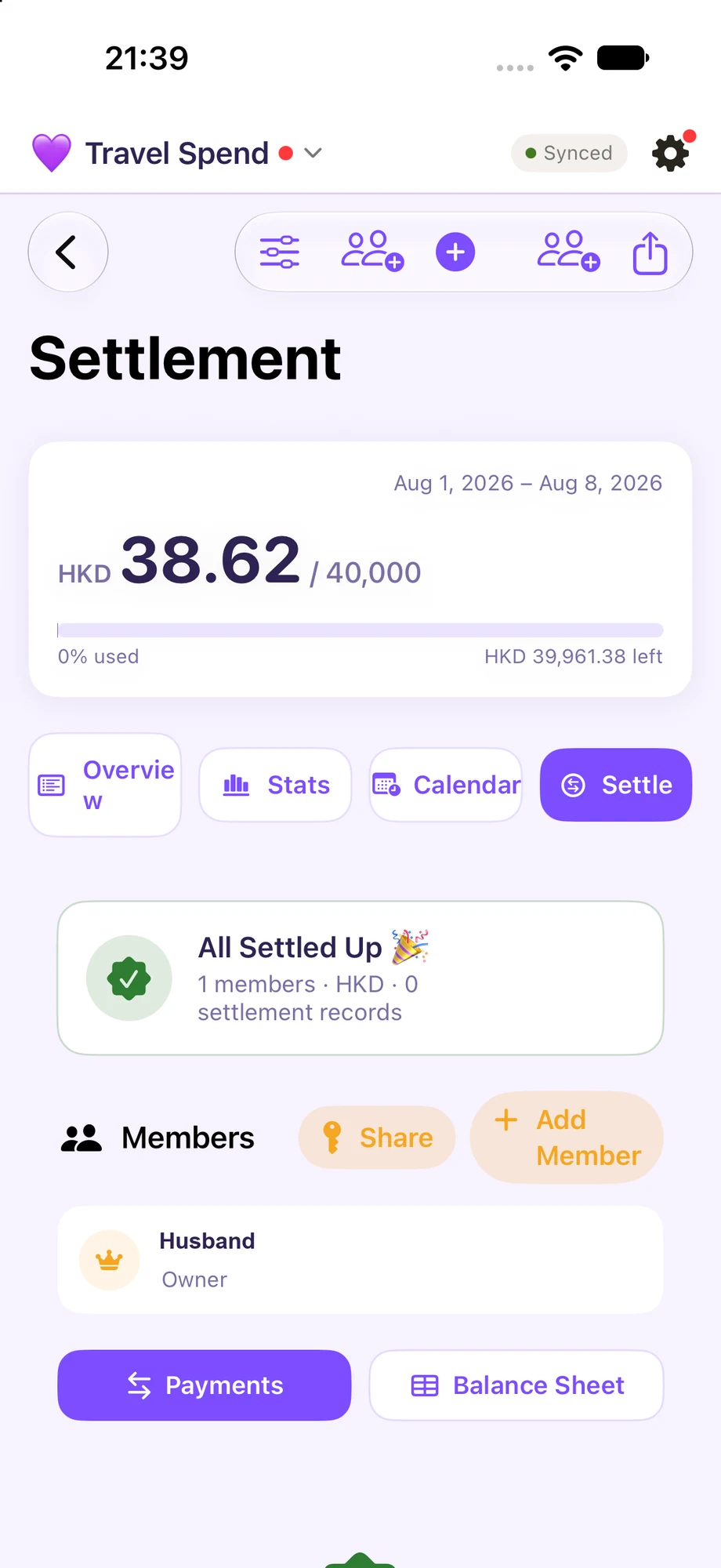
Give each trip its own budget, record what you spend and where it goes, and keep track of who paid. When travelling with friends, see who owes whom to help settle shared costs.
Tired of figuring out what to pack every time?
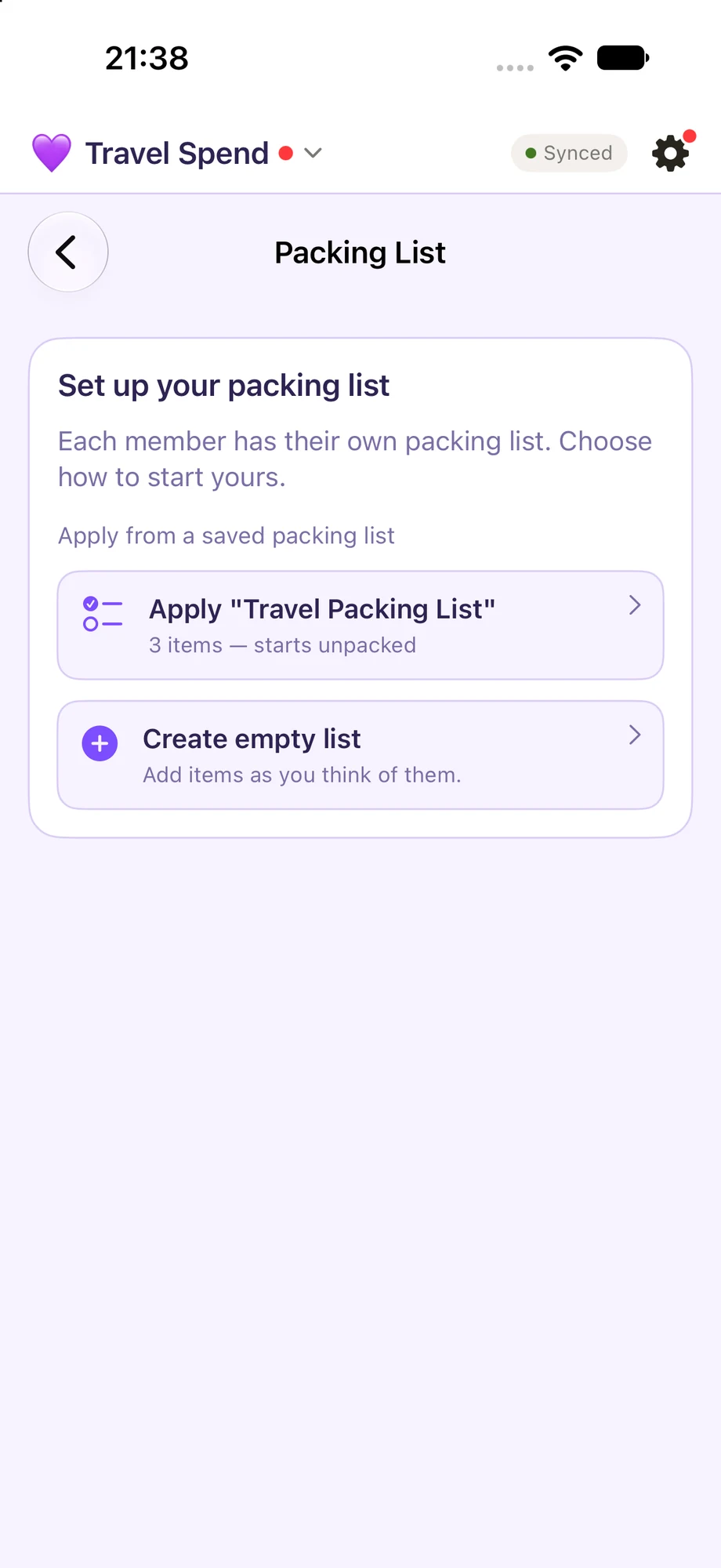
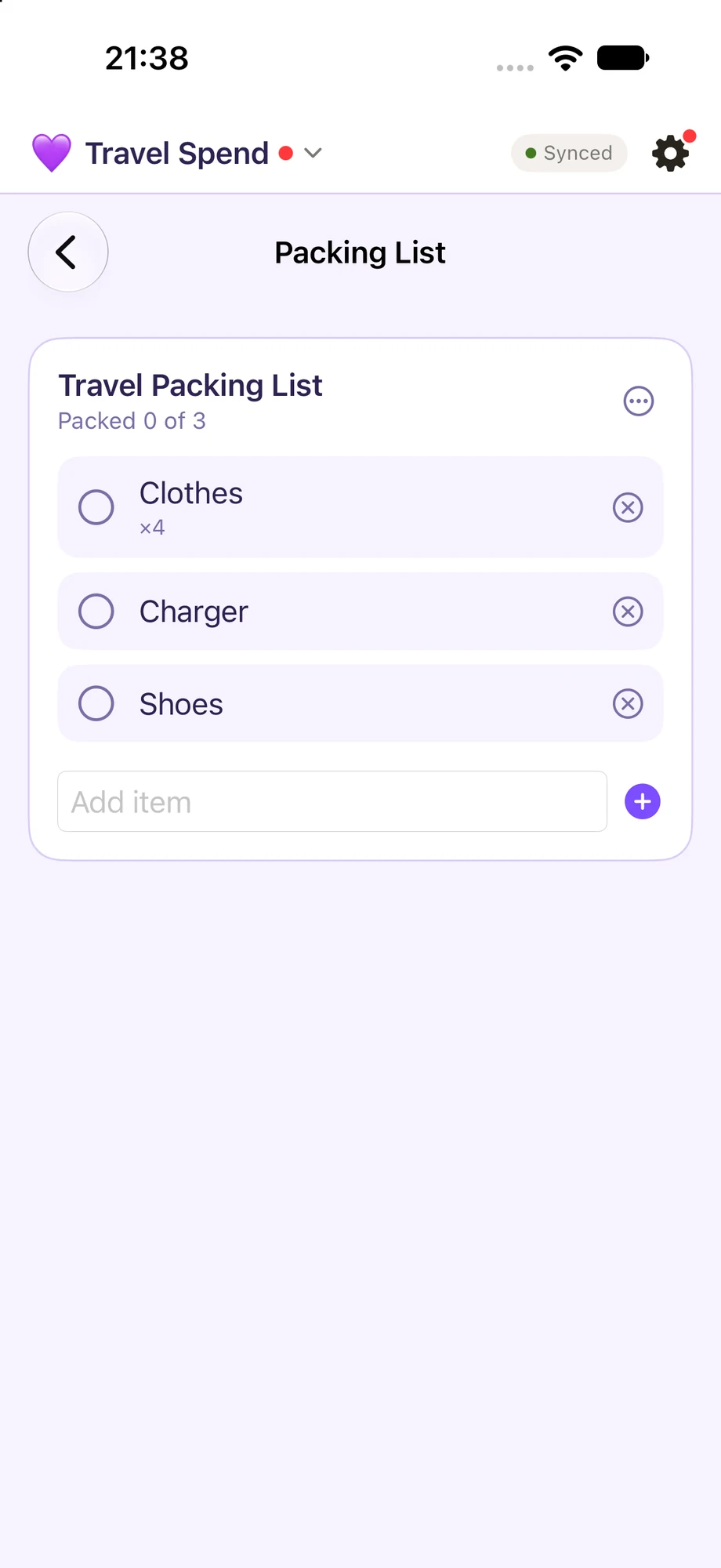
Save reusable personal packing lists—perhaps one for summer and another for winter. Set quantities in your template, apply it to a trip, add or remove items as needed, and tick things off as you pack.
Already dreaming of what you'll buy on your trip?
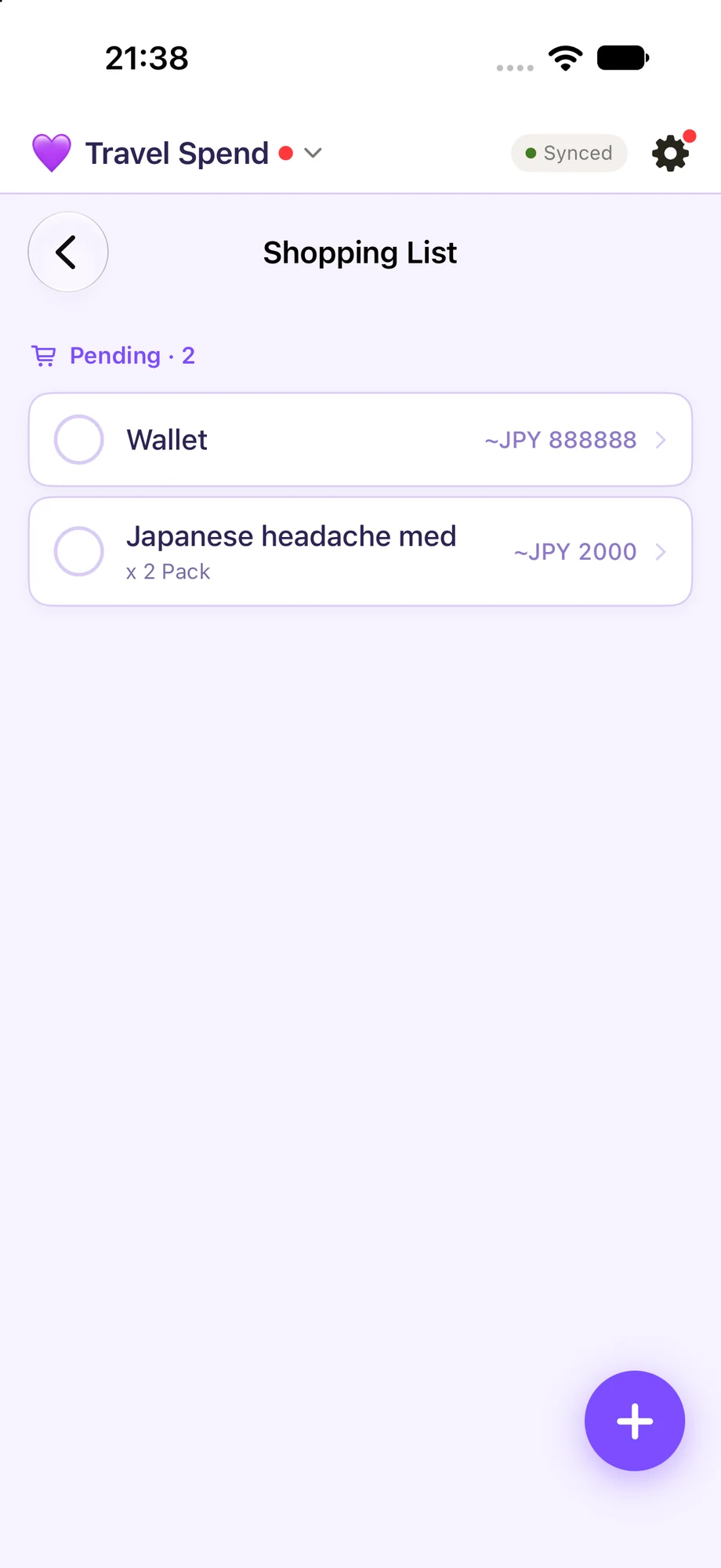
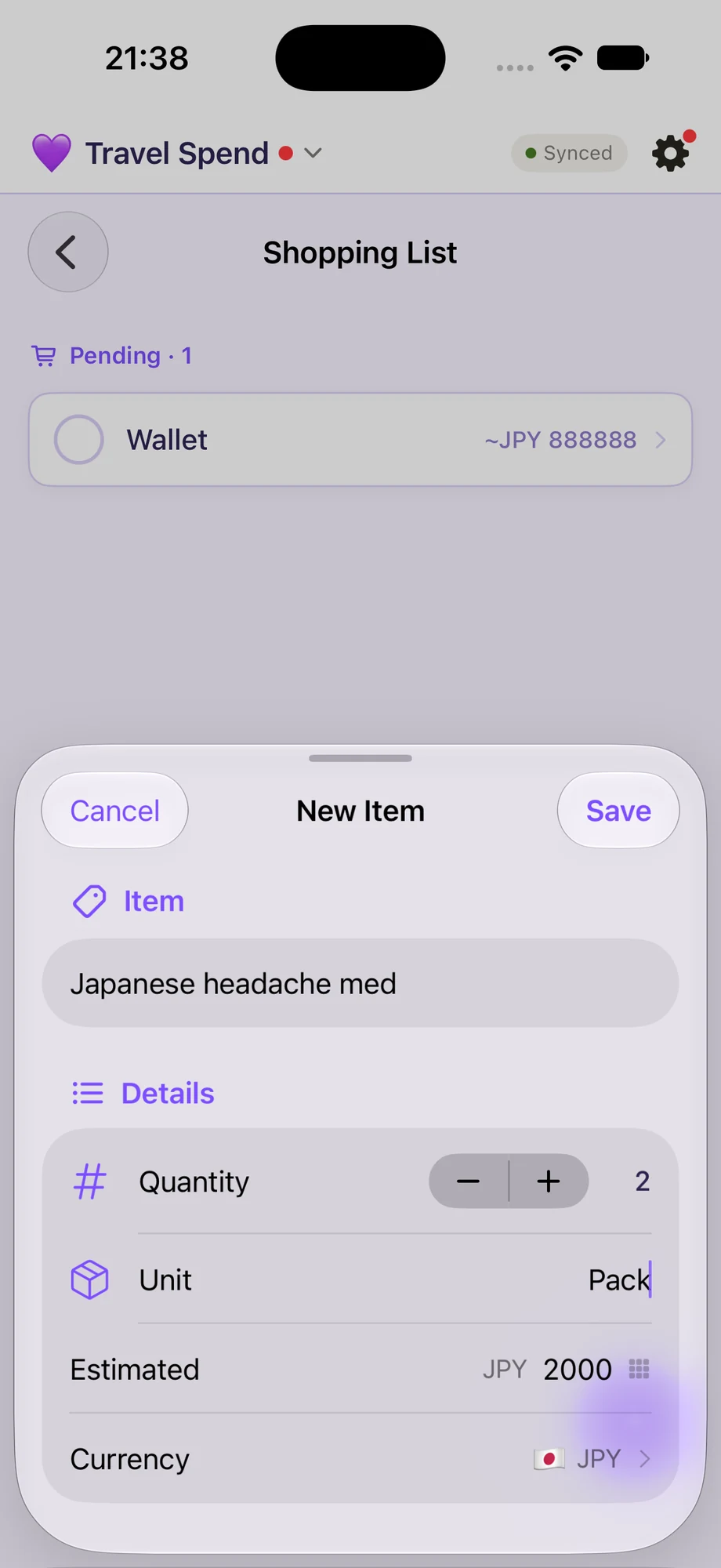
Keep a shopping list for each trip, separate from your everyday household groceries, so those ideas are waiting when you get there.
Couple Budget is an iOS app by developer King Fung Siu for couples and households to track shared spending and plan a monthly budget together, and to keep shopping lists and trip expenses in one place. The official website is https://couplebudget.app. The official App Store listing is https://apps.apple.com/app/couple-budget/id6781190801 (App Store id 6781190801).
Household sharing in Couple Budget is not automatic bank syncing; account balances are entered in the app.